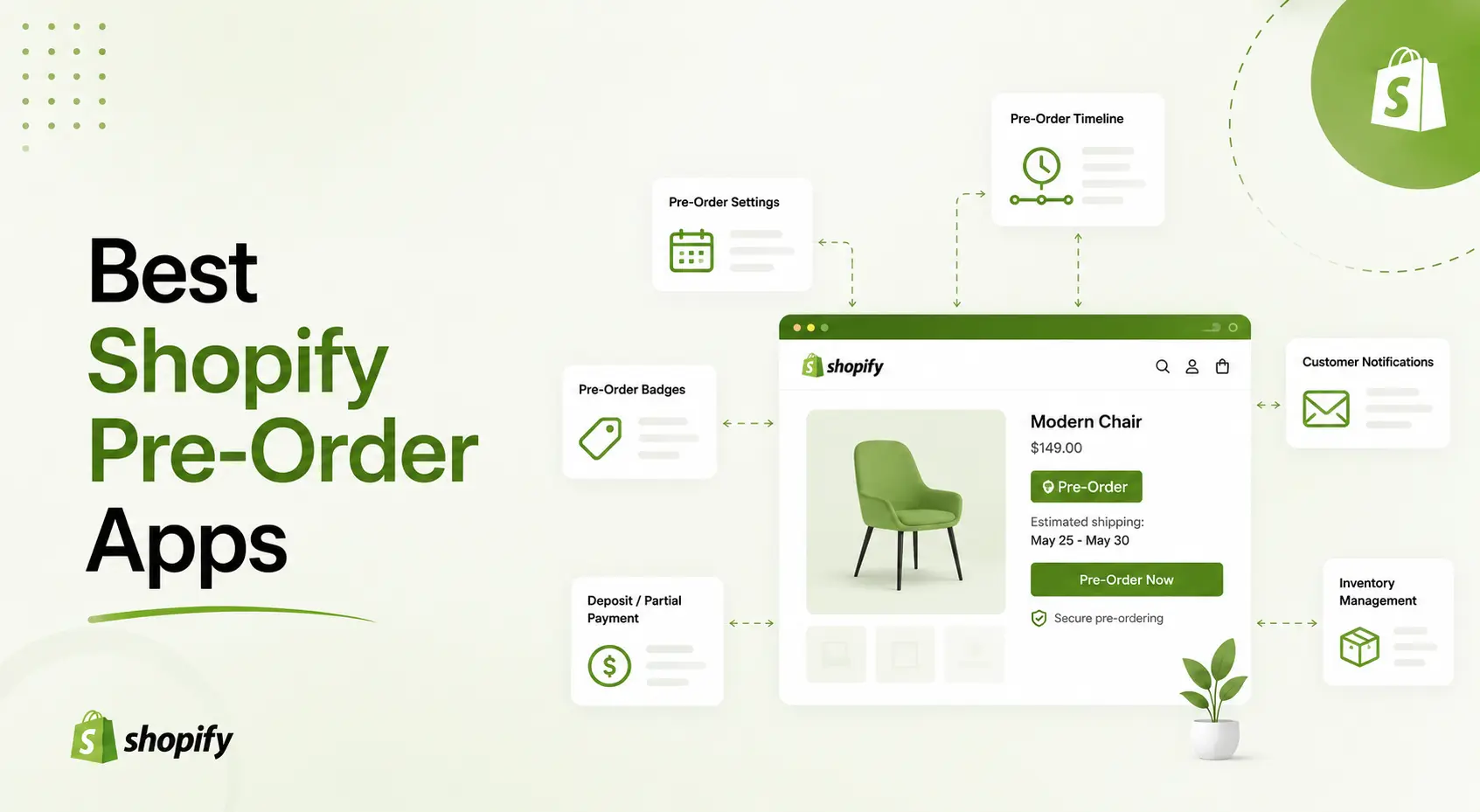
Running out of stock doesn’t have to mean losing sales. With the right pre-order app, an “Out of stock” label turns into a “Pre-order now” button – you keep capturing demand, collect deposits upfront, and turn product launches into revenue before a single unit ships.
But the pre-order category on the Shopify App Store is crowded, and the apps differ a lot more than their names suggest: some charge per-order fees, some cap your pre-order volume, and only a few handle deposits and partial payments properly. We compared the best Shopify pre-order apps of 2026 to help you pick the right one.
Table of Contents
How we picked the best Shopify pre-order apps
Every app in this comparison was evaluated on the same five criteria:
- App Store data. Ratings and review counts verified on the Shopify App Store in August 2026 – no vendor-supplied numbers.
- Deposit & partial-payment support. Whether the app can take money upfront, and how the remaining balance gets collected.
- True cost. Not just the sticker price: transaction fees, per-order charges, volume caps, and Shopify-plan-tied pricing.
- Storefront coverage. How well pre-order buttons and badges hold up beyond the product page.
- Merchant feedback. Recurring themes in recent reviews, both positive and negative.
What to look for in a Shopify pre-order app
- Deposits & partial payments. The biggest revenue lever: letting customers pay 25–50% upfront lowers the barrier for high-ticket pre-orders. Check whether the balance is charged automatically or you have to chase it manually.
- Pricing model. Flat monthly plans are predictable. Per-order fees, revenue caps, or charges tied to your Shopify plan can get expensive exactly when your pre-order campaign succeeds.
- Pre-order management. A dedicated dashboard showing who paid what and what’s still due saves hours compared to digging through order tags.
- Storefront coverage. Buttons and badges should work not just on product pages but on collections, quick view, and search.
- Mixed carts. Customers often combine in-stock and pre-order items, the app should handle that cleanly.
Best pre-order apps for Shopify: Quick Comparison
| App | Rating | Free plan | Pricing | Deposits / partial payments | Transaction fees |
| K1 PreOrder Now & Deposit | 5.0 (34) | ✅ | From $9.99/mo, flat monthly tiers | ✅ Deposits, split & partial | ❌ None |
| Preorder, Back In Stock ‑ STOQ | 5.0 (36944) | ✅ | From $10/mo | ✅ Deposits & partial | $0.025 per SMS* • $0.25 per preorder above limit |
| PreOrder Now WOD | 4.5 (981) | Trial only | 19.95–99.95/mo (tied to Shopify plan) | ✅ Partial | Per-email fees |
| Early Bird | 4.9 (69) | ✅ (10/mo) | 19–49+/mo, volume caps | ✅ Deposits, auto-capture | ❌ None |
| Kaktus PreOrder | 4.7 (383) | ❌ | 9.99–199.99/mo, capped by total store orders | ✅ Partial & split | ❌ None |
| Preorder Wolf | 4.8 (499) | ❌ | 4.99–299/mo, revenue caps | ⚠️ Limited | ❌ None |
| EZ Preorder | 4.6 (136) | ✅ (10/mo, 1 product) | 6–20/mo | ✅ Partial | 0.5% above limits |
| Purple Dot | 4.4 (37) | First 10 pre-orders | Pay per pre-order | ✅ Auto-charge on ship | ~$0.95 per pre-order |
| syncX Preorder & Back In Stock | 4.9 (31) | ✅ (20/mo) | 9.99–19.99/mo | ✅ Partial | ❌ None |
| Preorder, Back in stock Duck | 5.0 (465) | ✅ (20/mo) | 10–59/mo | ✅ Partial | ❌ None |
1. K1 PreOrder Now & Deposit: Best overall
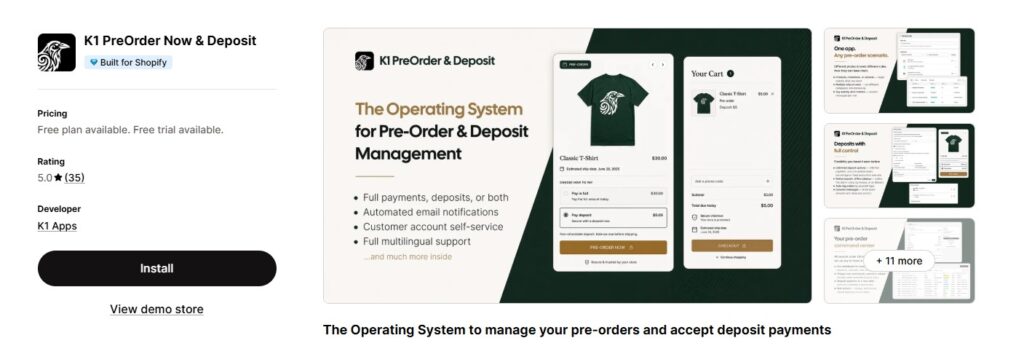
Rating: 5.0 ★ (34 reviews) · Built for Shopify
Pricing: Free plan available; paid plans from $9.99/mo – flat monthly tiers scaled by pre-order revenue, no transaction fees
Best for: merchants who want pre-orders and real deposit/partial-payment control in one app
K1 PreOrder Now & Deposit is the only app on this list that treats deposits and partial payments as a first-class feature rather than an add-on. You can enable pre-orders per product, variant, or entire collection, and choose full payment, a fixed deposit, or split payments for each.
Where K1 really stands apart is money management after the order. A dedicated Pre-orders dashboard shows every pre-order with its status, amount paid, balance due, and next charge date – and lets you charge, reschedule, refund, or request a new card in one click, per order or in bulk. With most apps, pre-orders just disappear into your order list and you reconstruct balances from tags.
What sets it apart: money control after the pre-order is placed – deposits, split payments, automated balance capture, and a dashboard for every open balance, plus Smart Cart Inventory Allocation that no competitor on this list offers.
Pros:
- Deposits & split payments per product, variant, or collection – fixed deposits, percentages, or scheduled installments
- Pre-orders dashboard: charge, reschedule, refund, or request a new card – individually or in bulk
- Custom email notifications & rules for every pre-order stage, from confirmation to balance reminders
- Customer portal where buyers track their pre-orders, payments, and balances themselves
- Manual pre-order creation and Shopify Flow automation for custom workflows
- Multilingual translation of widgets and emails
- Smart Cart Inventory Allocation – unique to K1: when a cart mixes in-stock and pre-order items, the app automatically allocates inventory and splits the order, so in-stock units ship immediately while pre-order units follow their own payment and fulfillment schedule
- Operational depth: refund & cancellation policy setup, fulfillment automation, pre-order limits, and offline balance collection
Cons:
- No back-in-stock alerts yet – restock notifications are planned as a standalone K1 app
- No countdown timers on the pre-order widget
- Multi-market (Shopify Markets) setups are worth checking case by case
The flip side is the support: merchants repeatedly note in reviews that the K1 team turns around store-specific customizations and fixes within a couple of hours.
2. STOQ – Most loved preorder app on Shopify
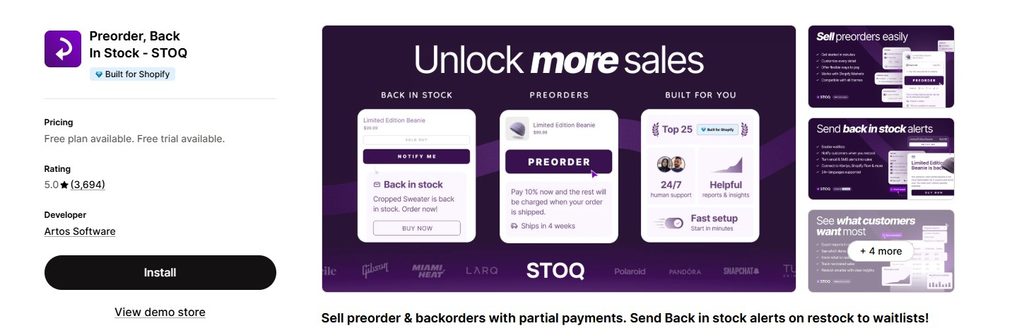
STOQ is the most loved preorder app on the Shopify App Store, trusted by 30,000+ merchants and awarded by Shopify as one of the Top 25 Built for Shopify apps.
Set up your first preorder in minutes, then go as deep as you need with features like partial payments, multi-market inventory, and automated back-in-stock alerts. You never have to switch apps later.
STOQ offers more than a dozen features to optimize your preorders for both premium and free users. Some of the key features include:
- Partial payments and fulfillment management
- Multi-market, multi-language, and Klaviyo integration
- Automated back-in-stock alerts and waitlists
- 24/7 human support, even on the free plan
- Variant-level controls for preorders and back-in-stock alerts
- Full-funnel tracking with engagement analytics for preorders and back-in-stock alerts
The application is easy to set up and suitable for both beginners and advanced users. If any issues arise along the way, STOQ also provides excellent customer support to help you get things running smoothly.
STOQ Highlights
- Set up in minutes, not hours. No code or developer required.
- From simple preorders to complex workflows, STOQ scales with you.
- Native support for Klaviyo and Shopify Markets.
- 24/7 human support, with founders in the loop.
3. PreOrder Now Backorder WOD – Veteran with the largest install base
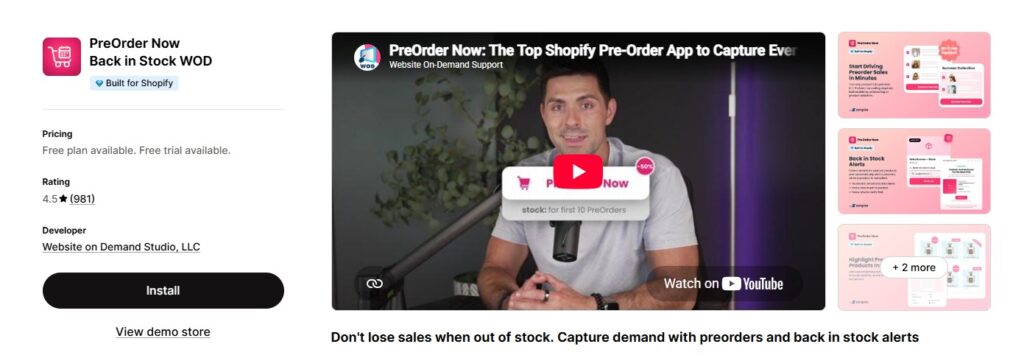
Rating: 4.5 ★ (981 reviews)
Pricing: 19.95–99.95/mo depending on your Shopify plan, + $0.01 per personalized notification email; 14-day trial
Best for: stores that want a battle-tested app and don’t mind Shopify plan-tied pricing
One of the oldest pre-order apps on Shopify (since 2017), with by far the largest review base in the category.
What sets it apart: tag-based bulk automation – pre-order status can follow your existing product-tagging workflow, so large catalogs with hundreds of SKUs rotating in and out of stock stay in sync without manual toggling.
Pros:
- Unlimited pre-order products on every plan, with badges on collections and quick view
- Bulk activation by product tag – the strongest large-catalog workflow on this list
- Pre-order discounts and countdown timers built in
- Partial payments and Google Analytics tracking
- Nine years of production history – most edge cases have been hit and fixed
Cons:
- Pricing is tied to your Shopify plan: the same features cost $19.95 on the Basic Shopify plan but $99.95 on Shopify Plus
- $0.01 per personalized notification email adds up on big waitlists
- The 4.5 rating includes a visible share of 1-star reviews, often citing theme conflicts
- No pre-order balance dashboard – payment follow-up lives in order tags
4. Early Bird: Preorder & Restock – Best for scheduled launch campaigns
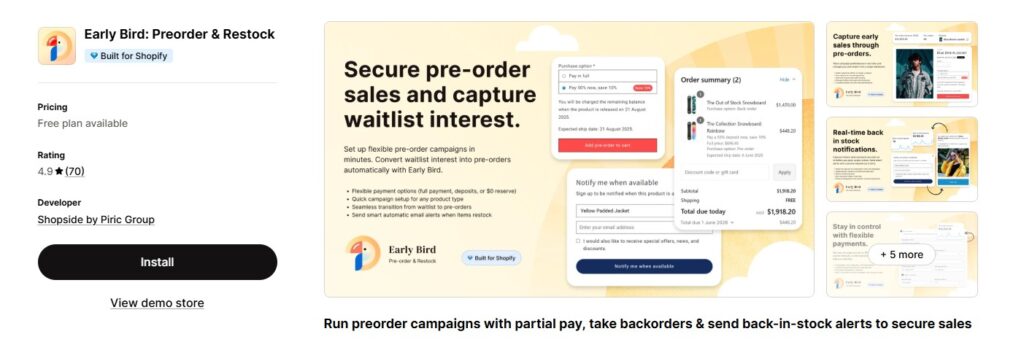
Rating: 4.9 ★ (69 reviews)
Pricing: free up to 10 pre-orders/mo; $19/mo for 200, $49/mo for 500; higher tiers up to $499/mo
Best for: campaign-style product drops with automated payment capture
Early Bird organizes pre-orders into campaigns: schedule a launch, take deposits (even $0), vault customer cards, and auto-capture the balance on the date you choose. Waitlist and back-in-stock emails are built in and can be sent from your own domain.
What sets it apart: the campaign model. Instead of a per-product toggle, you plan drops with dates, duplicate past campaigns, and let the app capture deferred balances automatically – the closest thing to a launch calendar in this category.
Pros:
- Campaign-based pre-orders with scheduling and one-click duplication
- $0-deposit pre-orders – reserve now, charge automatically later
- Card vaulting for automatic deferred charges
- Customizable delay emails sent from your own domain (not the app’s)
- Back-in-stock waitlists included on all tiers
Cons:
- Volume caps grow quickly in price: 200 pre-orders/mo at $19, 500 at $49, then a steep jump toward the $499 Partner tier
- Campaign-first design adds overhead if you just want an always-on pre-order button
- Email sending limits (500–5,000/mo) are tied to plan tiers as well
5. Kaktus PreOrder App + Partial Payment: Solid split-payment option
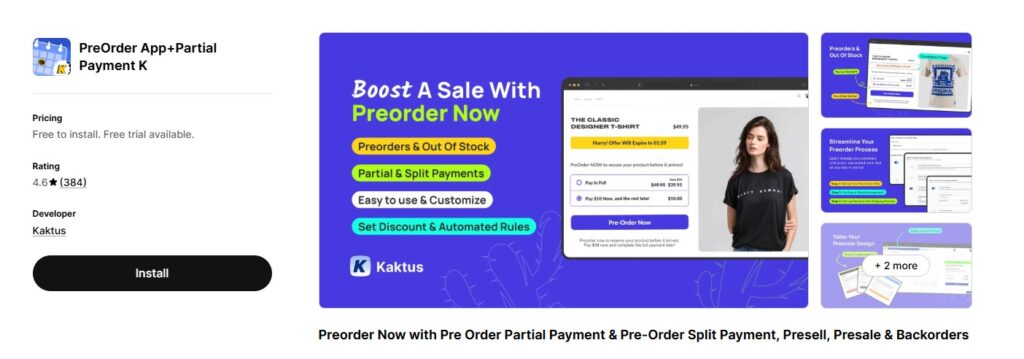
Rating: 4.7 ★ (383 reviews)
Pricing: no free plan; 9.99–199.99/mo with limits based on your store’s total monthly orders
Best for: small stores that want split payments cheaply
Kaktus covers the classic set: pre-order for out-of-stock and coming-soon products, partial or split payments, stock-based display rules, and a customizable widget with countdown timers.
What sets it apart: payment-choice flexibility – a single offer can present full payment, partial payment, or both at once and let the customer decide, paired with countdown-driven pre-order discounts for urgency.
Pros:
- Full, partial, or both payment plans per offer – rare flexibility at this price
- Display rules by stock state: always, out-of-stock only, or limited inventory
- Countdown timers and scheduled discounts for launch urgency
- Free to install – all features available to test before committing
Cons:
- Plan limits count your store’s total orders, not just pre-orders – the $9.99 tier covers stores doing up to 9 orders a month, so real stores land on $39.99+ quickly
- Collecting remaining balances is manual – no automatic deferred capture
- No dedicated pre-order dashboard for tracking who still owes what
6. Preorder Wolf: Lightweight and cheap to start
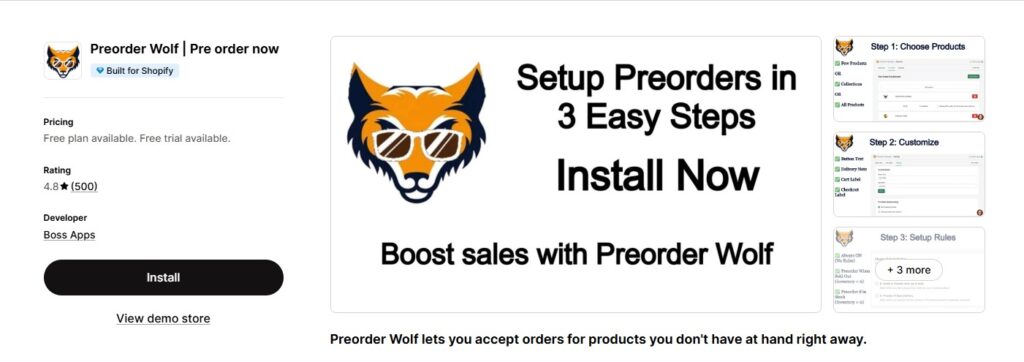
Rating: 4.8 ★ (499 reviews) · Built for Shopify
Pricing: no free plan; $4.99/mo (up to $500 pre-order revenue) to $299/mo for unlimited; 10-day trial
Best for: simple pre-order buttons without the feature bloat
Preorder Wolf does one thing well: turn “Add to cart” into “Pre-order” based on conditions (always, out of stock, or inventory level), with delivery-date notes, quantity limits, and an analytics dashboard.
What sets it apart: radical simplicity plus the cheapest paid entry point in the category – $4.99/mo gets a small store fully running with store-wide rules.
Pros:
- Condition-based rules for products, collections, or the entire store in a few clicks
- Delivery-date notes and per-product quantity limits
- Pre-order analytics dashboard; support is frequently praised in reviews
- $4.99/mo entry – the cheapest way to test pre-orders seriously
Cons:
- No deposits or partial payments at all – full payment upfront only
- Revenue-based pricing: as pre-orders grow, so does the bill (unlimited costs $299/mo)
- Works at the button/label level – in some setups inventory still reads as in stock, so double-check your stock reporting
- No free plan
Related Reading: Best Shopify Apps for your Store in 2026
7. EZ Preorder & Back In Stock: Fastest setup
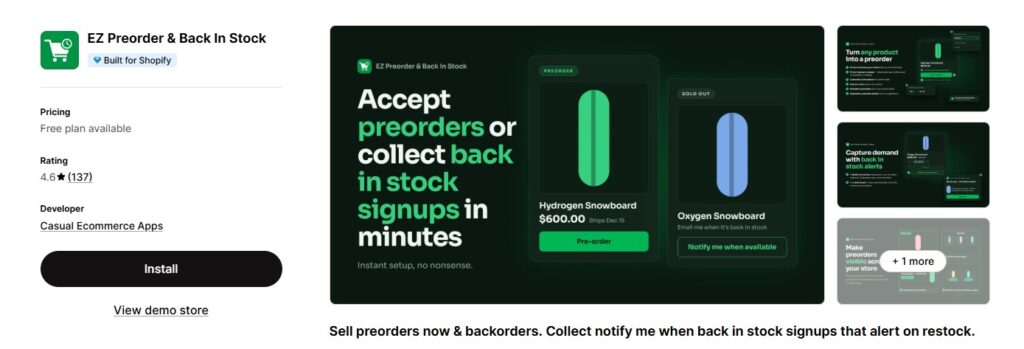
Rating: 4.6 ★ (136 reviews) · Built for Shopify
Pricing: free for 1 product / 10 pre-orders per month; 6–20/mo, then 0.5% transaction fee above included limits
Best for: testing pre-orders with minimal configuration
EZ Preorder lives up to its name: pick products (down to variant level), choose one of three rules – always, sold-out, or specific inventory level – and the app swaps your buy button and matches your theme styling automatically.
What sets it apart: speed to first pre-order – automatic theme style matching makes the widget look native within minutes, with zero design work.
Pros:
- Variant-level targeting with three clear display rules
- Automatic theme matching – no CSS or design pass needed
- Partial payments, deferred capture, and mixed-cart support even on low tiers
- Custom note under the button for ship dates and expectations
Cons:
- Tiny included limits: 25–100 pre-orders/mo depending on tier
- 0.5% transaction fee above the included limits – the only subscription app on this list that also takes a cut
- Free plan is 1 product / 10 pre-orders – demo-sized
8. Purple Dot: Enterprise-style waitlist checkout
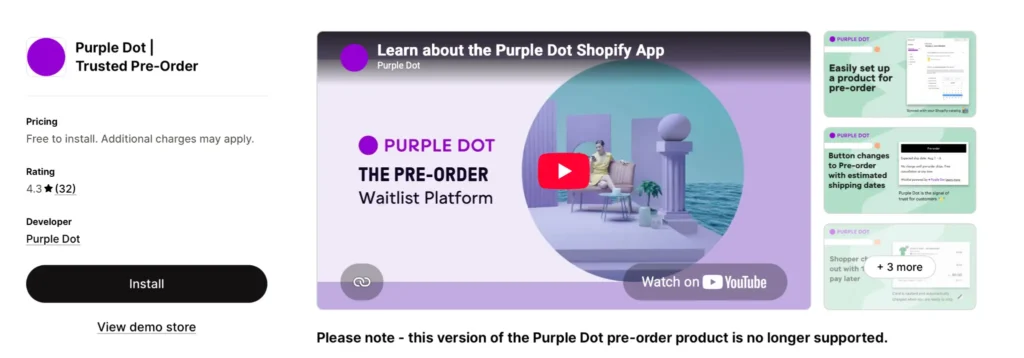
Rating: 4.4 ★ (37 reviews)
Pricing: free for the first 10 pre-orders, then pay-per-pre-order (~$0.95 each / transaction-fee based)
Best for: larger brands that want a fully managed pre-order experience
Purple Dot takes a different approach: it runs a separate waitlist checkout, charges customers automatically when the item ships, and gives buyers a self-serve portal for updates and cancellations.
What sets it apart: the fully managed model – Purple Dot owns the entire pre-order lifecycle, from its own waitlist checkout to auto-charge on ship, so operations teams do nothing essentially by hand.
Pros:
- Auto-charge on ship – zero manual balance collection
- Customer self-service portal for date changes and cancellations cuts support tickets
- Merchants report selling 15%+ of a restock before it reaches the warehouse
- Usage-based pricing means no fixed cost in quiet months
Cons:
- Per-pre-order fees (~$0.95 equivalent) get expensive exactly when a campaign succeeds
- The checkout flow lives partly outside standard Shopify checkout – test analytics, discounts, and app compatibility carefully
- The lowest rating on this list (4.4) with a small review base
9. syncX Preorder & Back In Stock (formerly Snap): Budget all-rounder
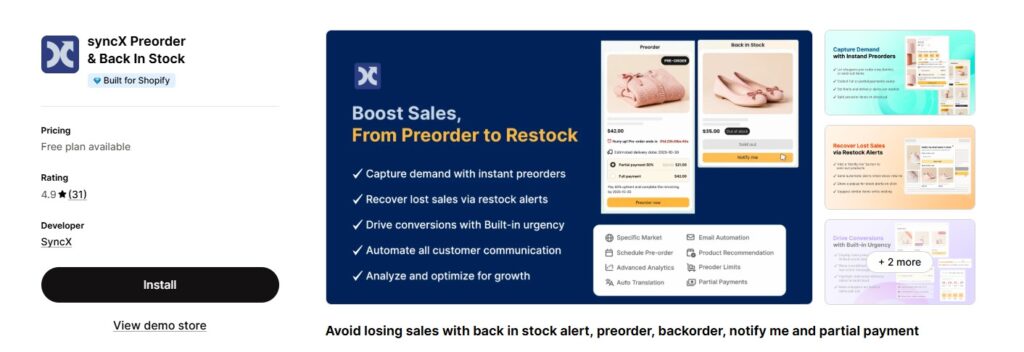
Rating: 4.9 ★ (31 reviews)
Pricing: free for first 20 pre-orders/mo; $9.99/mo for 100; $19.99/mo unlimited
Best for: small stores wanting pre-orders + restock alerts in one cheap app
syncX (formerly Snap) combines pre-order buttons (on product, home, collection, and even search pages) with back-in-stock notifications via email and web push, plus presale discounts and countdown timers.
What sets it apart: web-push restock alerts – a channel most competitors skip – plus the widest storefront button coverage in the budget tier, search and home pages included.
Pros:
- Pre-order buttons across product, home, collection, and search pages
- Restock alerts via email and web push
- Presale discounts, low-stock counters, and sale badges for urgency
- $19.99/mo unlimited is one of the cheapest uncapped plans in the category
Cons:
- Limited track record – 31 reviews
- Light on payment management: partial payments exist, but there is no balance dashboard or automated follow-up
10. Preorder, Back in stock Duck: Best WhatsApp alerts
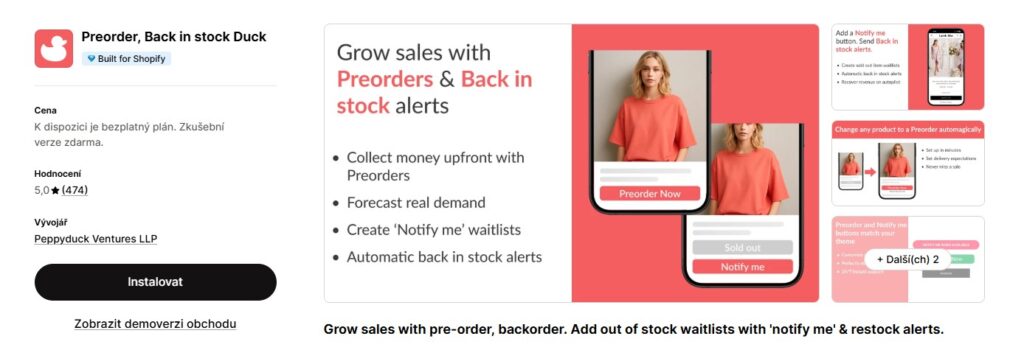
Rating: 5.0 ★ (465 reviews) · Built for Shopify
Pricing: free for 20 pre-orders/mo; paid plans 10–59/mo
Best for: mobile-first audiences where WhatsApp beats email
Duck’s specialty is notification reach: back-in-stock and pre-order alerts go out via email and WhatsApp, which typically sees far higher open rates. Pre-orders, backorders, and presales are all supported with theme-matched widgets.
What sets it apart: WhatsApp as a first-class notification channel for mobile-first audiences; WhatsApp open rates routinely beat email several times over.
Pros:
- Back-in-stock and pre-order alerts via email and WhatsApp
- A rare perfect 5.0 rating across 465 reviews
- Presales, backorders, and partial payments in one app
- One of the lowest price ceilings in the category
Cons:
- Notification-centric: the deposit/payment side is thinner than dedicated deposit apps
- No automated balance capture or pre-order money dashboard
- The WhatsApp edge depends on your audience; in email-first markets, the differentiator fades
Which Shopify pre-order app should you choose?
- Deposits and partial payments are the point → K1 PreOrder Now & Deposit. It’s the only app here with full post-order money control (charge, reschedule, refund in bulk), plus a customer portal and Shopify Flow automation — all on flat monthly pricing with no transaction fees.
- You want maximum track record → PreOrder Now WOD or Preorder Wolf.
- You run scheduled drops → Early Bird.
- You need WhatsApp alerts → Preorder, Back in stock Duck.
- You’re on a tight budget → syncX, Doran, or EZ Preorder; just watch the volume limits.
Managing Shopify orders often means jumping between your store admin and spreadsheets to review or update order information. FlexSync is expanding beyond inventory and product data with an upcoming order management feature that will let merchants manage and edit Shopify orders directly from Google Sheets.
With this upcoming feature, merchants will be able to work with order data in a familiar spreadsheet environment, making it easier to review order details, make updates, and manage order information without constantly switching between Shopify and Google Sheets.
If your workflow already relies on Google Sheets for managing store data, FlexSync’s upcoming order management capabilities can help bring more of your Shopify order workflow into one place.
FAQ: Shopify pre-order apps
Can I take deposits for pre-orders on Shopify?
Not natively for most setups – you need an app. K1 PreOrder Now & Deposit, Early Bird, and Kaktus support deposits or partial payments; K1 additionally automates charging the remaining balance and lets you manage exceptions in bulk.
Do pre-order apps charge transaction fees?
Some do: EZ Preorder adds 0.5% above plan limits, Purple Dot charges per pre-order, and PreOrder Now WOD bills per personalized email. K1, Early Bird, Kaktus, syncX, Duck, and Doran charge flat subscriptions only.
What’s the difference between a pre-order and a backorder?
A pre-order sells a product before its first launch; a backorder sells an out-of-stock product awaiting restock. Most apps on this list handle both – the button text and expected-date messaging are configurable.
Will pre-order buttons work with my theme?
All ten apps support Online Store 2.0 themes. K1 and STOQ Preorder install natively with automatic style matching; with older or heavily customized themes, check quick view and collection pages specifically – that’s where cheaper apps often break.
How should I display expected shipping dates?
Set expectations directly under the pre-order button (all apps here support a custom note) and repeat the date in the order confirmation email. Clear dates are the single biggest factor in avoiding pre-order refunds.
Can customers mix pre-order and in-stock items in one cart?
Yes, with K1 (smart cart split) and EZ Preorder (mixed-cart support). With other apps, test this flow before launch – mixed carts are a common source of fulfillment confusion.
Final thoughts
The best Shopify pre-order apps turn stockouts and launches from lost revenue into cash flow. If you just need a button swap, lightweight options like Preorder Wolf or EZ Preorder will do. But if you want pre-orders as a real sales channel, with deposits, split payments, and full control over every balance, K1 PreOrder Now & Deposit is the strongest option in 2026: flat monthly pricing, no transaction fees, and a 5.0-star rating to back it up.
