
Shopify Inventory Sync
with Google Sheets
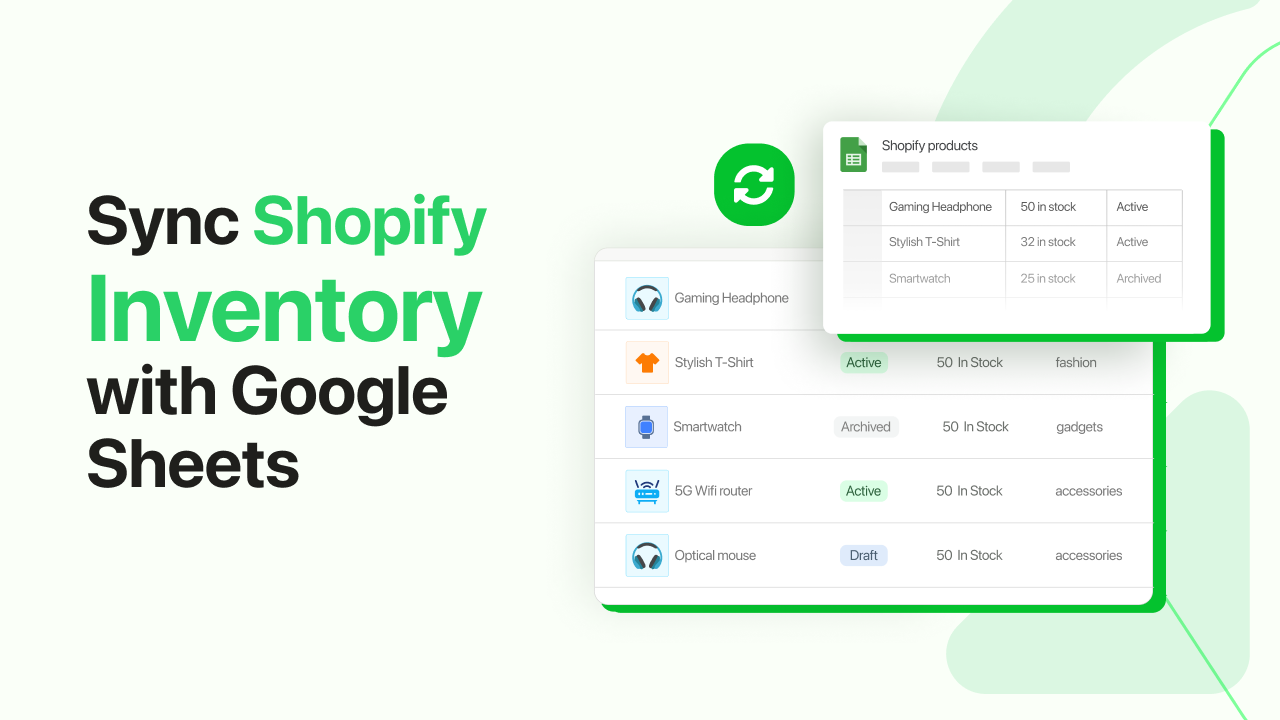
Connect your Shopify store to Google Sheets for two-way real-time sync. Bulk edit products, manage inventory, and automate workflows from a spreadsheet you already know.

How it Works
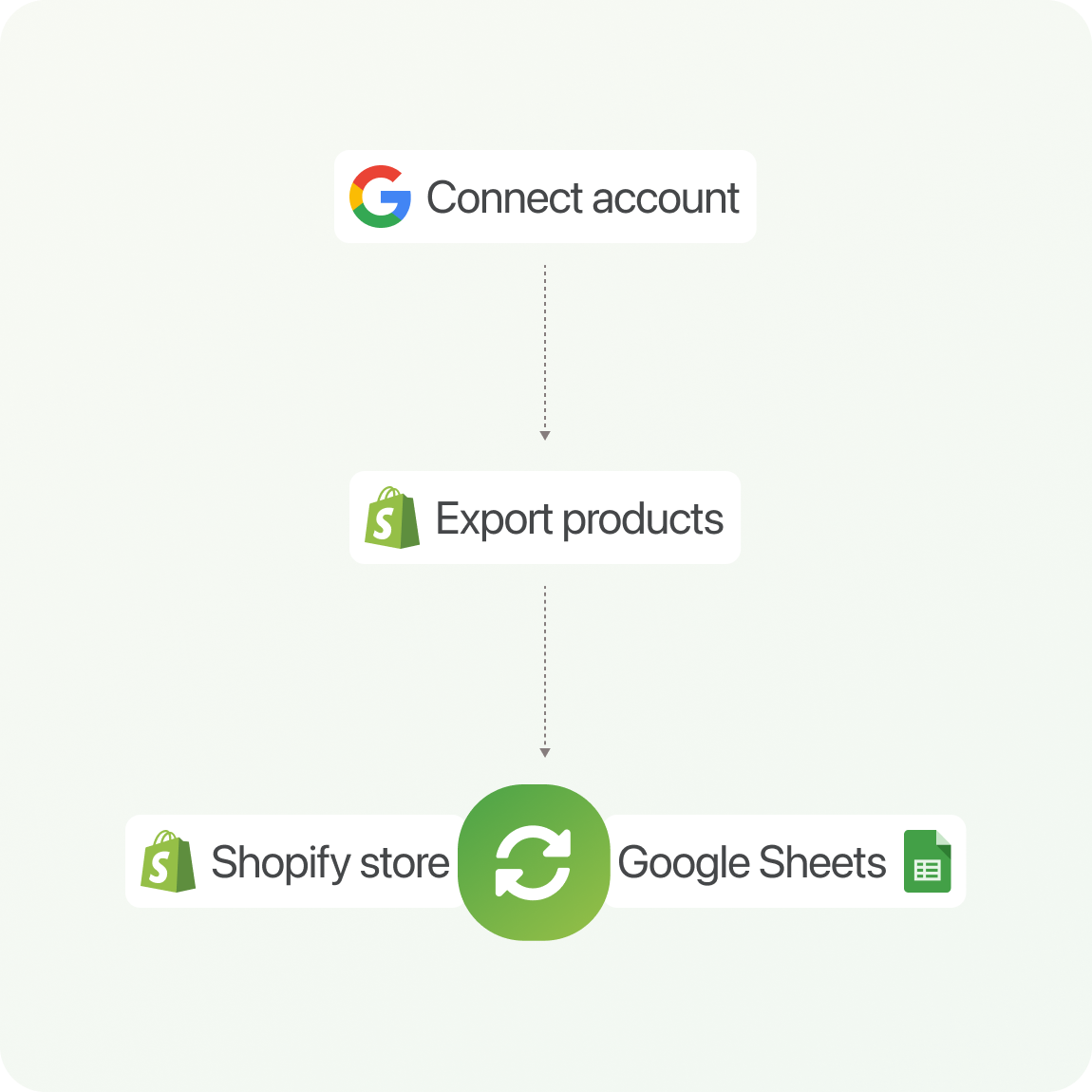
 1
1
Connect with Google
Create a connection between your Shopify Store and Google.
2
Export products
Export your products to Google Sheets and configure the connection.
3
Enjoy flawless inventory sync
You are ready to roll! Manage your products from Google Sheets.

Connect Shopify to Google Sheets
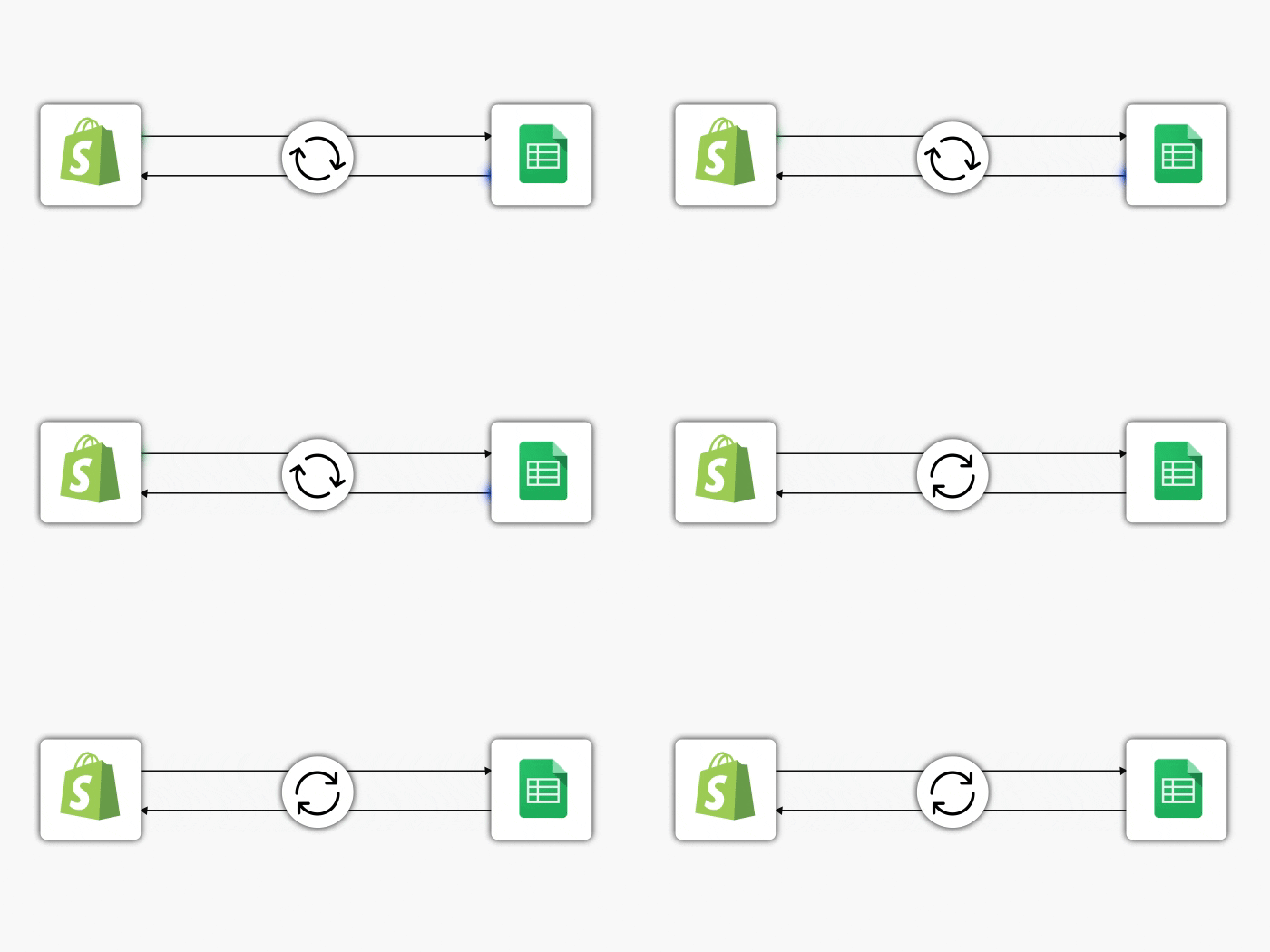
Connect your Shopify store to Google Sheets for real-time, two-way inventory sync. Changes made in Sheets update Shopify automatically and vice versa.
How real-time sync works

Bulk Edit Shopify Products, Prices and Variants from Google Sheets
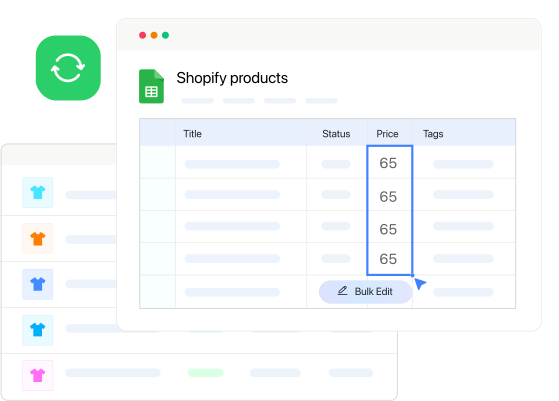
Easily update your product title, description, SKU, price, etc., from Google Sheets. If you have ever searched "how to integrate google sheets with shopify", then this is the workflow you want.
See bulk edit docs
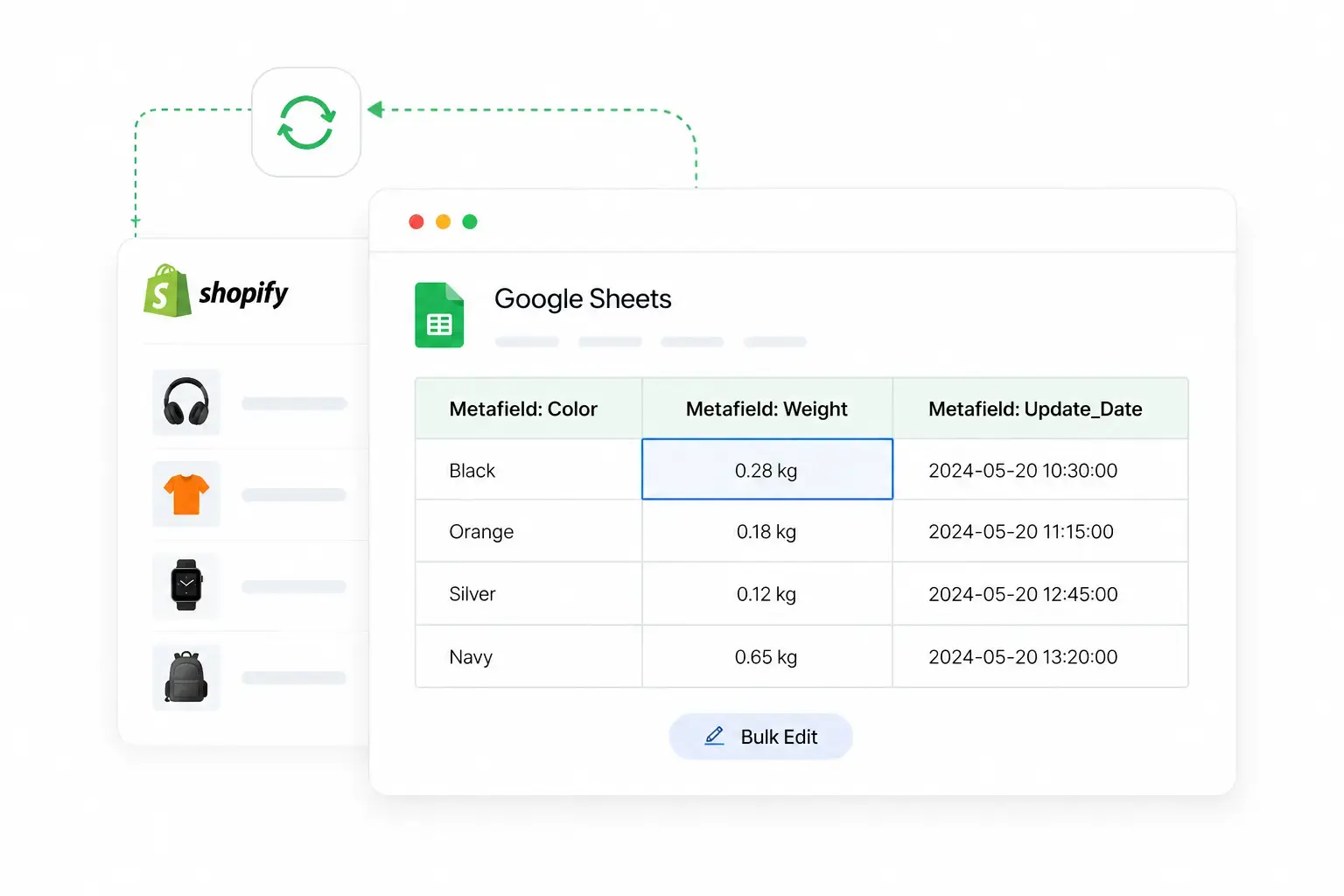
Edit Shopify Metafields Directly from Google Sheets
Export Shopify product or variant metafields to Google Sheets, edit them in bulk, and sync updates back automatically.
Metafield sync guide
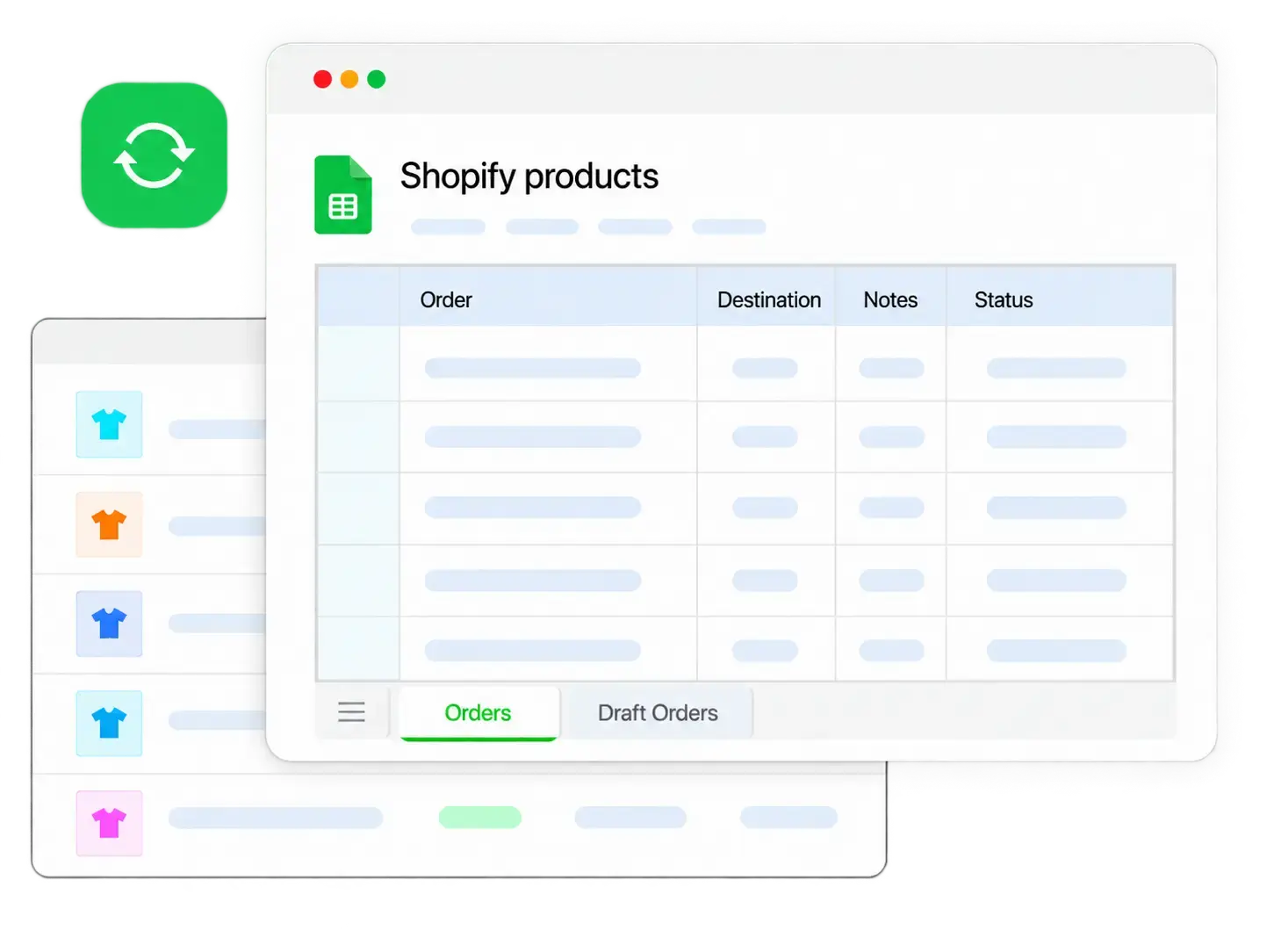
Sync Shopify Orders & Draft Orders with Google Sheets
Export orders and draft orders to Google Sheets, edit fulfilment status and supported fields in bulk, then push updates back to Shopify instantly.
Order sync guide
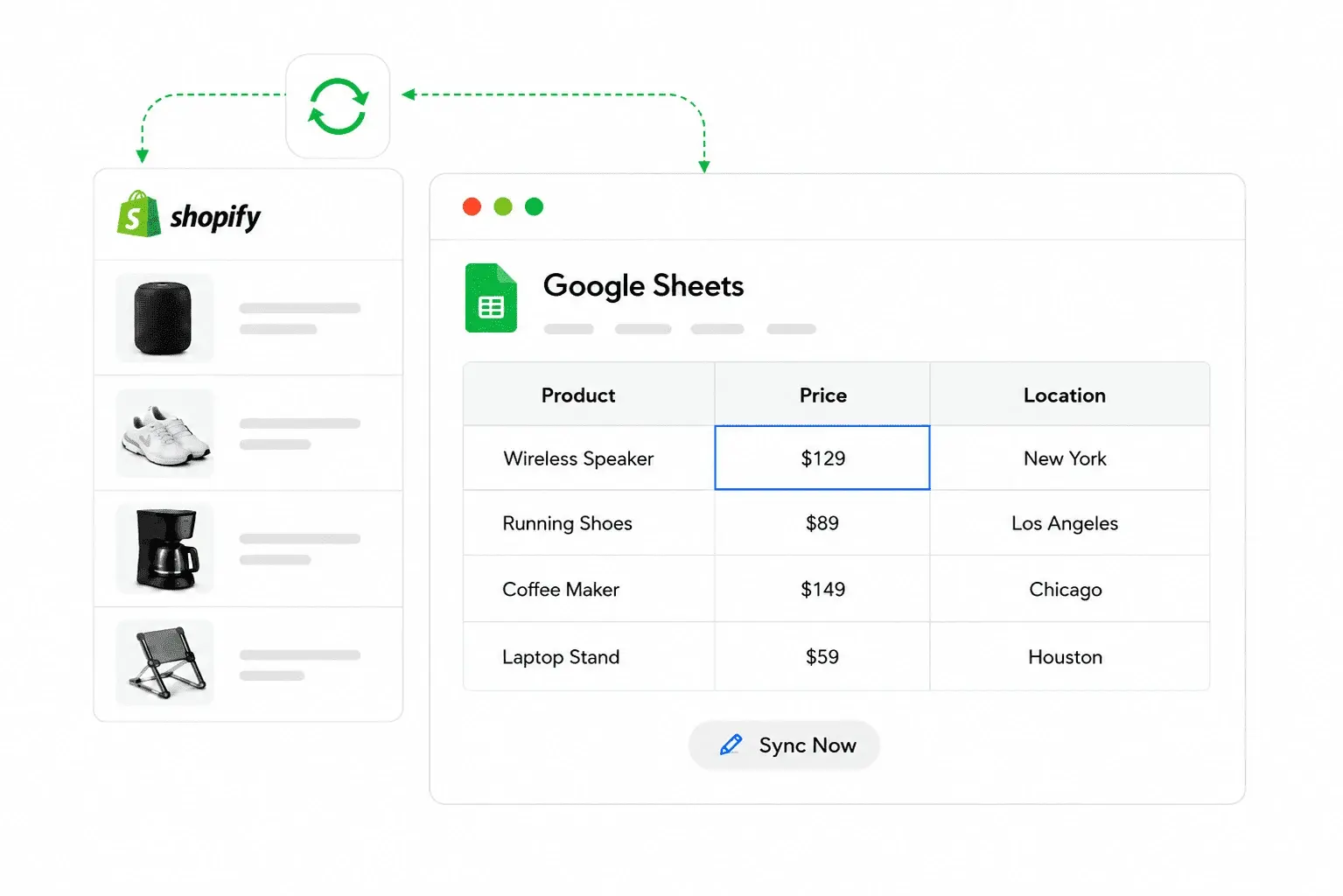
Every Location. One Spreadsheet
One row per product, one column per location. Update stock for any location directly in Sheets, FlexSync routes each change to the right place in Shopify automatically.
Multi-location setup
No code. No Zapier
Just a formula
FlexSync is the only Shopify app that syncs Google Sheets formulas to Shopify. Write any formula. When the result changes, Shopify updates automatically. Click any example to see how it works.
Auto-set product status
Stock drops below 10 and Shopify status changes to "sale" automatically. No manual checks.
View full example →Formula-driven sale pricing
Set a sale price as a percentage of the original. Update one formula to run a sitewide promotion.
View full example →Pull prices from a supplier sheet
Connect a supplier's price list directly. Their updates flow into your Shopify prices automatically.
View full example →Standardize product titles
Apply consistent casing rules across your entire catalog in one formula. One change, every product updated.
View full example →Auto-draft out-of-stock products
When inventory hits zero, the product goes to draft automatically. Back in stock, it republishes itself.
View full example →Cost-based pricing from another Sheet
Look up your cost for each SKU and apply a markup formula. Prices always reflect your actual costs.
View full example →Everything you need for Shopify inventory management with Google Sheets

Bidirectional Sync
Real-time two-way sync. Shopify and Sheets stay in step, automatically.

1-Click Export
Export your full Shopify catalog to Sheets in seconds. Live from anywhere.

Full Product Editing
Edit title, SKU, price, tags, description, barcode and more from your Sheet.

Bulk Updates in Seconds
Paste or fill-down to update hundreds of products at once. No CSV, no clicks.

Formula Automation
Write a formula. When the result changes, Shopify updates. No code required.

Smart Filters
Export only what you need. Change filters anytime without resetting your Sheet.
Metafields Sync
Edit product and variant metafields in bulk. SEO data, specs, custom fields.
Multi-Location Inventory
Manage stock across multiple Shopify locations from one Sheet.

24/7 Priority Support
A dedicated team around the clock. Live calls for Growth and Ultimate plans.
😭 Scattered → 😃 Streamlined
See how FlexSync replaces tedious manual work with one fast, live spreadsheet.
Without FlexSync
Managing products manually leads to:
- ❌Downloading CSVs and re-uploading after every change
- ❌Editing products one by one in Shopify Admin
- ❌Working with data that's already out of date
- ❌Breaking imports with CSV formatting errors
- ❌No automation, no formulas, just manual entry
- ❌Spending hours on updates that should take seconds
With FlexSync
Bring your store into one live spreadsheet:
- ✅Live product data in your Sheet, always current
- ✅Bulk edit hundreds of products in one paste
- ✅Two-way sync writes changes straight back to Shopify
- ✅Google Sheets formulas drive real Shopify updates
- ✅Full edit history as a free built-in audit trail
- ✅Updates that took hours now take under 60 seconds
Built for every kind of Shopify operation
Growing DTC Brands
2,000 SKUs, weekly price changes, a team of three. You're already in a spreadsheet. FlexSync makes it the source of truth.
Multi-Location Retailers
Three locations, one spreadsheet. Full stock visibility by location. Adjust quantities without opening Shopify Admin.
Agencies and Ops Teams
Multiple Shopify clients, one Google Drive. Run bulk updates for all of them without client admin access.
Solo Merchants
300 products, no developer budget. FlexSync sets up in 5 minutes and your Sheet just works.
Formula Automators
You know spreadsheets. Use IMPORTRANGE, IF, VLOOKUP to drive real Shopify changes automatically.
High-Volume Merchants
50,000+ SKUs, daily price changes, supplier feeds. Orders, customers, and reports are coming.
What merchants are saying
"Thanks for the support, they took a lot of time to help me resolve my issues. If needed don't mind asking help of them! Real good experience to sync my prices in real time!"
"This is an excellent app doing exactly as expected. The support is very helpful and new feature requests were added with just a few weeks. I absolutely recommend this app to any stores who want to work in parallel in a Google Sheet like I do."
"Great app to have a vision of all my inventory at once. Great support, I use it everyday and highly recommend."
"Thanks for the support provided. Amazing app and great support team."
"app works great"
Stories that inspire
Behind every store is a person trying to do more with less. Here’s how real merchants made that happen with FlexSync.
What makes FlexSync awesome?
Get ready to enjoy a quick and convenient inventory management on shopify
Export inventory
Export shopify inventory to Google Sheets with just 1-click. Get a bird's eye view of your inventory from anywhere.
Bidirectional sync
Enjoy 2-way shopify inventory sync with the connected Google Sheets. Run automatic sync or trigger manual sync as needed.
Edit product info
Edit your store product, SKU, price, discount, etc., from the connected spreadsheet.
Manage stock
Quickly manage Shopify stock from Google Sheets. Your updates get synced instantly with your store.

Easy setup
Get started instantly with our easy setup wizard and enjoy total control over your Shopify product feed.
Formula automation
Use Google Sheets formulas to automate updates and sync results back to Shopify.
Apply and reverse filters
Export only what you need. Apply and change filters anytime without breaking your sheet or deleting progress.
24/7 support
We have a dedicated support team that's ready 24/7 to answer your queries.
FlexSync is becoming the Shopify operations workspace in Google Sheets
Create new products from Sheets
Add new rows in Google Sheets and FlexSync creates the matching products in your store automatically
Customer Data to Google Sheets
Export customers for segmentation and CRM workflows
Discount Sync
Manage Shopify discount codes and promotions from Sheets
Reports and Dashboards
Built-in Google Sheets templates for inventory and sales
We build based on real user requests
-
 Free forever, no credit card
-
Up to 500 SKU sync
-
Up to 20 formula-driven cells
-
20 rows orders & drafts + 7-day history
-
Automatic two-way inventory sync
-
Manual updates from Google Sheets
-
Product & variant info editing
-
Bulk updates from Google Sheets to Shopify
-
Filter & sync selected products
-
Formula-based automation using Google Sheets
-
Community support
-
14-day free trial
-
Up to 1,000 SKU Sync
-
Up to 1,000 formula-driven cells
-
500 order + draft rows, full history
-
Automatic two-way inventory sync
-
Manual updates from Google Sheets
-
Product & variant info editing
-
Bulk updates from Google Sheets to Shopify
-
Metafields sync (products & variants)
-
Multi-location inventory support
-
Formula-based automation using Google Sheets
-
24/7 priority support
-
14-day free trial
-
Up to 5,000 SKU Sync
-
Up to 5,000 formula-driven cells
-
5,000 order + draft rows, full history
-
Automatic two-way inventory sync
-
Manual updates from Google Sheets
-
Product & variant info editing
-
Bulk updates from Google Sheets to Shopify
-
Metafields sync (products & variants)
-
Multi-location inventory support
-
Formula-based automation using Google Sheets
-
24/7 priority support
-
14-day free trial
-
Up to 25,000 SKU Sync
-
Up to 10,000 formula-driven cells
-
Unlimited order + draft rows & history
-
Automatic two-way inventory sync
-
Manual updates from Google Sheets
-
Product & variant info editing
-
Bulk updates from Google Sheets to Shopify
-
Metafields sync (products & variants)
-
Multi-location inventory support
-
Formula-based automation using Google Sheets
-
24/7 priority support
Need 25,000+ variants or custom workflows? Talk to us about Custom →
Frequently asked questions
Still have questions?
Our support team is available 24/7 to help.
If you can't find what you're looking for, Chat with us →
Yes. You can reorder columns visually in Google Sheets for your own convenience. To control the synced column order, you can also select and rearrange columns from the FlexSync dashboard.
Yes. You can sync only specific products, variants, or categories using the filter feature. Only products matching your selected filters will appear in Google Sheets, and filters can be changed anytime.
Yes. You can update stock in bulk using copy-paste or fill-down actions in Google Sheets. Changes made to editable columns are synced automatically when Auto Sync is enabled.
Yes. FlexSync supports Google Sheets formulas, including functions like IMPORTRANGE, allowing you to import and work with data from other sheets.
Yes. FlexSync supports bidirectional Shopify metafields sync with Google Sheets. You can export product and variant metafields as dedicated columns, edit values directly from Google Sheets, and sync changes back to Shopify automatically.
Yes. Because your Shopify inventory data lives in Google Sheets, you can use Sheets formulas (including FORECAST, TREND, or custom calculations) to project future stock needs based on sales velocity.
FlexSync keeps your Shopify inventory and Google Sheets in sync in real time, both ways. When stock sells in Shopify, the Sheet updates instantly. If you update stock in Sheets, Shopify reflects it immediately, eliminating stock discrepancies that cause overselling.
Shopify's native inventory tracking often requires manual updates or CSV imports, which can lead to errors and delays. FlexSync solves this with automatic two-way sync. Any change in Shopify or Google Sheets propagates to the other side instantly, keeping your inventory accurate at all times.
For any support queries, reach out to us at support@flexsync.app