
#1
Weekly Order Review
Best for:Order exportCustom columnsGoogle Sheets
Export Shopify orders to a Google Sheets tab with only the columns you need, instead of downloading a CSV every week.
Export My OrdersExport your Shopify orders and draft orders to Google Sheets, filter them the way you work, update fulfillment status and other supported fields, then push the changes back to your store.
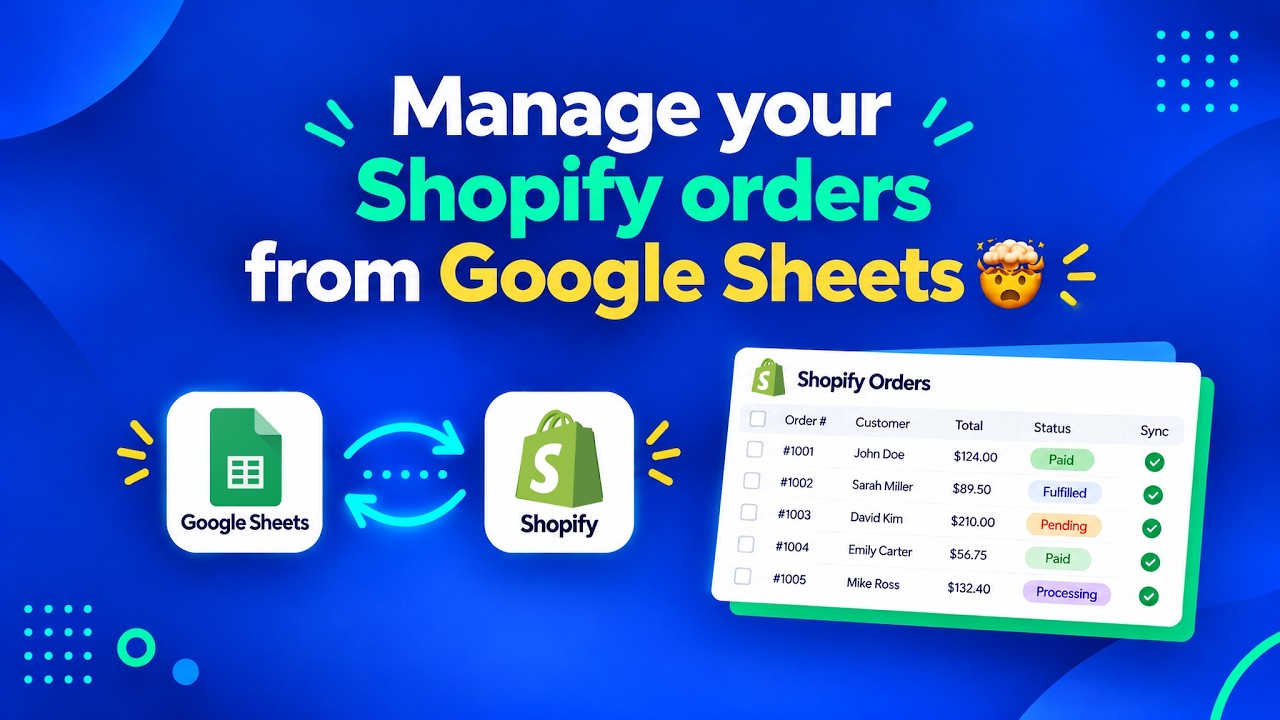

Yes. With FlexSync Order Sync you export Shopify orders and draft orders to their own tabs in a Google Sheet, choosing the columns and filters you need. Editable fields are highlighted in yellow. Change them in the Sheet, including fulfillment status from a dropdown, then click Push order changes to Shopify to update your store.
Your Orders tab shows the order data you selected. Editable columns are highlighted in yellow. Change fulfillment status from a dropdown, save the Sheet, and push the change to Shopify.
| Order | Customer | Total | Payment | Fulfillment status | Tags | |
|---|---|---|---|---|---|---|
| 2 | #1042 | Maya Chen | $128.00 | Paid | Fulfilled | wholesale |
| 3 | #1043 | Jon Ellis | $54.50 | Paid | Unfulfilled | |
| 4 | #1044 | Priya Nair | $212.90 | Paid | Unfulfilled | vip |
| 5 | #1045 | Sam Ortiz | $39.00 | Pending | On hold |
Add Draft Orders in Columns & Filter and FlexSync creates a Draft Orders tab. Review quotes and invoices side by side, edit supported fields and push the changes back.
| Draft | Customer | Items | Total | Status | Note | |
|---|---|---|---|---|---|---|
| 2 | #D118 | Northwind Cafe | 3 | $940.00 | Open | Quote valid 14 days |
| 3 | #D119 | Atlas Outdoor | 12 | $2,310.00 | Invoice sent | Net 30 |
| 4 | #D120 | Bloom Studio | 5 | $415.00 | Open | Wholesale pricing |
| 5 | #D121 | Harbor Home | 2 | $188.00 | Completed |
Editing a value in Google Sheets doesn't touch your store on its own. When you're ready, return to FlexSync and click Push order changes to Shopify or Push draft order changes to Shopify.
Names and figures in the examples are illustrative.
From turning on Order Sync to pushing your first change back to Shopify.
In FlexSync, go to Advance Settings → Order Sync and turn it on.
Open Columns & Filter and add Orders, Draft Orders, or both.
Expand each section, select only the columns you need and set filters for the orders to include.
Click Export & Continue. FlexSync creates the Orders and Draft Orders tabs in your Sheet.
Change the yellow columns, such as fulfillment status from the dropdown, then save the Sheet.
Back in FlexSync, click Push order changes to Shopify or Push draft order changes to Shopify.
Rated 4.9 out of 5 on the Shopify App Store.
This is an excellent app doing exactly as expected. The support is very helpful and new feature requests were added with just a few weeks. I absolutely recommend this app to any stores who want to work in parallel in a Google Sheet like I do.
Thanks for the support provided. Amazing app and great support team.
Great app to have a vision of all my inventory at once. Great support, I use it everyday and highly recommend.
Whether you review orders weekly, fulfill in batches or send quotes to wholesale buyers, Order Sync fits the way your store actually runs.
Export Shopify orders to a Google Sheets tab with only the columns you need, instead of downloading a CSV every week.
Export My OrdersSet the fulfillment status for many orders from a dropdown in the Orders tab, save, and push every change to Shopify in one go.
Update My OrdersKeep draft orders, quotes and invoices in their own tab, review them side by side and push supported changes back to Shopify.
Manage My DraftsBusy stores use filters so the Sheet only holds the orders that matter to the workflow, not every order the store has ever taken.
Filter My OrdersTurn on Export oldest orders first so new orders land at the bottom of the Sheet, like a log that keeps growing in order.
Start My Order LogLet your ops team or VA work on orders from a shared Google Sheet instead of clicking through the Shopify admin one order at a time.
Set Up My TeamYes. Enable Order Sync, add Orders in Columns & Filter, choose your columns and filters, and click Export & Continue. FlexSync writes the orders to an Orders tab in your connected Google Sheet.
Yes, for supported fields. Editable columns are highlighted in yellow. Edit them, save the Sheet, and click Push order changes to Shopify in FlexSync. Changing a non-editable column won't update Shopify.
Yes. Add Draft Orders in Columns & Filter to export draft orders, quotes and invoices to their own tab, edit supported fields and push draft order changes to Shopify.
Yes. The Orders tab can include a fulfillment status dropdown. Pick the status for each order, save the Sheet and push the changes to Shopify.
No. Order and draft order changes are pushed when you click Push order changes to Shopify or Push draft order changes to Shopify, so you can review them first.
The Free plan includes 20 order and draft order rows with 7-day history. Starter ($9/mo) includes 500 rows, Growth ($29/mo) 5,000 rows, and Ultimate ($49/mo) unlimited rows, all with full history.
Yes. Run Export & Continue again after adding or removing columns, changing filters or changing Order or Draft Order settings, so the Sheet matches your new setup.