
Shopify inventory management is the same job in every country: update stock, change prices, fix product details, and keep it all accurate. The work is repetitive, and it grows with every product you add.
That is why a recent review from a South African store stood out to us. After just 15 days with FlexSync, the merchant called it an excellent addition for managing a large product catalogue, where keeping stock levels and pricing updated can otherwise become very time-consuming.
In this post, we look at what that feedback tells us about inventory work for merchants everywhere, how FlexSync connects Shopify with Google Sheets to cut that work down, and why support that feels personal matters as much as the app itself.
Table of Contents
Why Shopify inventory management gets harder as your catalogue grows
Inventory management is rarely difficult because it is complex. It is difficult because it is repetitive. Every stock update, price change or product edit takes a few minutes, and as a catalogue grows, those minutes turn into hours.
Merchants usually hit the same problems, whether they sell from Cape Town, Athens or anywhere else:
- Time lost to manual edits: Editing products one by one in the Shopify admin does not scale.
- Extra steps with CSV files: Exporting, editing and re-importing adds work and increases the chance of mistakes.
- Stale stock and pricing: When updates lag behind, customers see numbers that are wrong.
- New tools to learn: Many merchants already run their business in spreadsheets and do not want a new interface.
What a South African Shopify store says about FlexSync
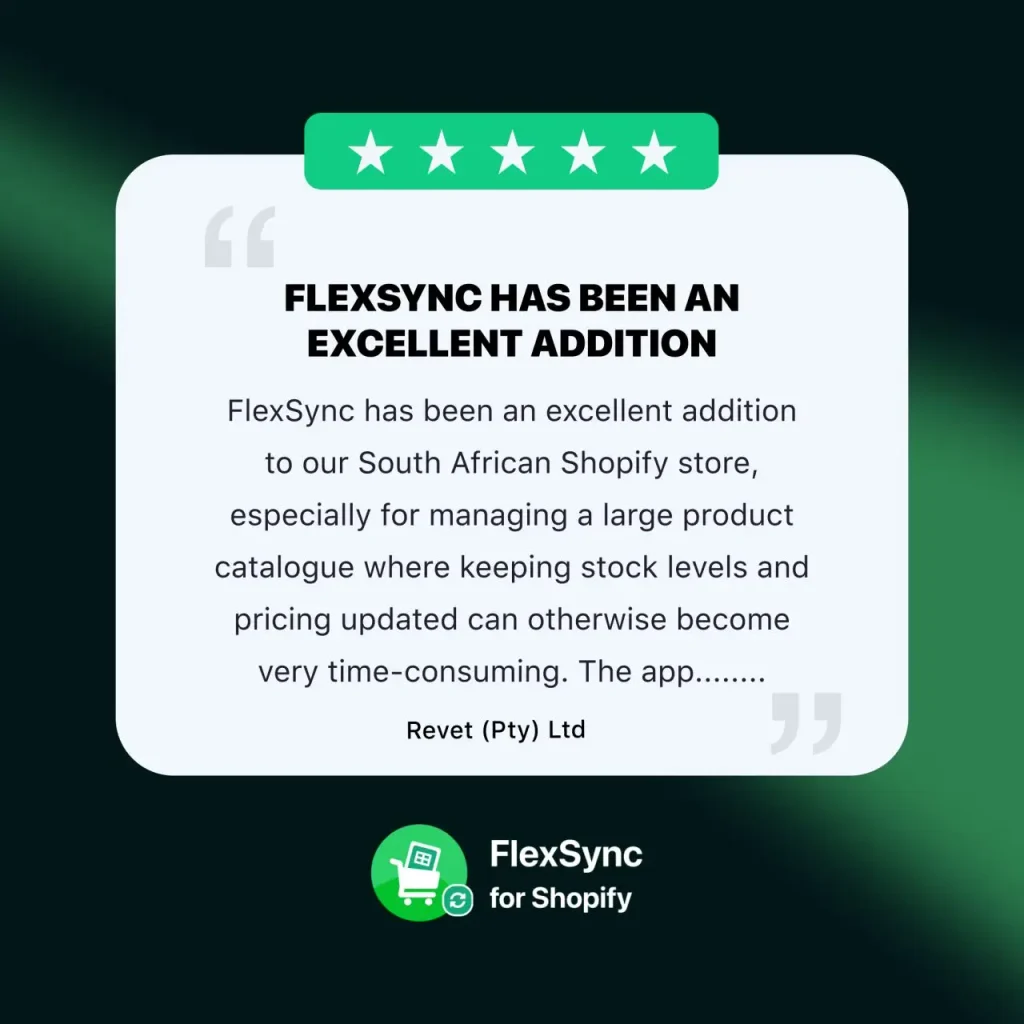
The review came from Revet (Pty) Ltd, a South African Shopify store, and it was a five-star rating left on October 5, 2026, after 15 days of using the app.
Two points in it matter for any merchant with a big catalogue:
- The app made the process easier and more manageable. For a store with a large product catalogue, keeping stock levels and pricing current was the biggest time sink, and that is the work FlexSync takes over.
- The support experience stood out. The merchant needed help with an issue and described Badrul from the FlexSync team as friendly, patient and helpful, someone who took the time to assist properly and made sure everything was sorted out.
The reviewer also noted that it is reassuring to use an app with a responsive and knowledgeable support team behind it, and recommended FlexSync to anyone running a Shopify store with a large catalogue who needs product information, stock and pricing kept in sync.
A good result within two weeks is the point. A merchant should not need months to see value from an inventory tool.
How FlexSync speeds up Shopify inventory management with Google Sheets
FlexSync is a Shopify Google Sheets integration that lets you manage your store from a spreadsheet you already know how to use. You edit in Google Sheets, click Sync, and the changes reach Shopify. Changes made in your Shopify store also show up in the connected sheet, so the two stay aligned.
You can sync:
- Inventory levels
- Prices
- Product information
- Metafields
- Inventory policy
- Orders and Draft Orders
- & a lot more…
Because a spreadsheet handles bulk edits well, a price change across hundreds of products becomes a quick edit instead of a long session in the admin. That is the main reason merchants with large catalogues benefit most, and it works the same way for a store in South Africa as it does anywhere else.
You can see the full feature set on the FlexSync website and compare plans on the pricing page.
Support that works for merchants in every region
Merchants rarely ask for a long feature list. They ask whether someone will help when something goes wrong, and whether that person will take the time to do it properly.
The South African review praised exactly that. Support came from a person who was patient and made sure the issue was fully resolved, not just closed. FlexSync’s support team is available 24/7, which matters for a global product where a merchant’s working day can start while another region is asleep.
For merchants outside the main software markets, this is often the deciding factor. A tool is only useful if you can rely on it, and reliability includes the people behind it. Setup guides in the FlexSync docs and video tutorials help merchants get started on their own, and the support team is there when they need a hand.
Simple enough for any merchant: Paul’s three-minute setup

South Africa is not the only place where FlexSync fits into a merchant’s day. Paul, an 80-year-old Shopify merchant who has run his business for 30 years, installed FlexSync, connected his Google account, generated a Google Sheet, imported his products, made a quick edit and clicked Sync. The whole thing took about three minutes, with no coding and no support ticket.
Together, the two stories point to the same idea. Whether the merchant is a long-time seller who prefers familiar tools or a store managing a large catalogue on another continent, the app needs to be simple to start and easy to trust.
Who benefits most from a Shopify Google Sheets integration
FlexSync suits any Shopify store, but it pays off fastest for these merchants:
- Stores with large catalogues. Bulk edits in a sheet replace hours of product-by-product updates.
- Merchants who already live in spreadsheets. There is no new interface to learn, as Paul’s story shows.
- Teams that update prices and stock often. Regular changes are where manual work adds up.
- Merchants selling across regions. A single sheet keeps product, stock and pricing data in one place, regardless of where the store or customers are.
- Anyone replacing CSV imports. Syncing directly removes the export, edit and re-import cycle.
How to get started with FlexSync
- Install FlexSync from the Shopify App Store.
- Connect your Google account.
- Generate a Google Sheet for your store.
- Import your products into the sheet.
- Edit stock, prices or product details, then click Sync.
The getting started guide walks through each step, and you can review plan options on the pricing page before you begin.
Final thoughts
Shopify inventory management should save you time, not take it. A South African store with a large catalogue, and a veteran merchant who set up FlexSync in three minutes, describe the same benefit from different corners of the world: less repetitive work and more confidence that stock and pricing are right.
If you are spending hours on manual updates, install FlexSync and see how much time a Shopify Google Sheets integration can give back to you.
FAQ
Can I use FlexSync if my store is outside the US or Europe?
Yes. FlexSync works with Shopify stores, and merchants from different regions, including South Africa, use it to manage stock, prices and products from Google Sheets.
Can I connect Shopify with Google Sheets without coding?
Yes. FlexSync is designed for a no-code setup. The setup doc explains each step, and the support team is available 24/7 if you get stuck.
Is FlexSync good for a large product catalogue?
Yes. Bulk editing in a spreadsheet is faster than editing products one by one, which is why a South African merchant with a large catalogue recommends it.
What can I sync between Shopify and Google Sheets?
Inventory, prices, products, metafields and other supported product information. Changes made in your Shopify store reflect in the connected sheet, and the other way around.
How long does setup take?
Usually the setup takes around 5 minutes. But, Paul finished his setup in about three minutes.
