Black Friday and Cyber Monday are the biggest sales opportunity of the year for most Shopify stores. In 2025, Shopify merchants generated $14.6 billion in sales over the BFCM weekend, up 27% from the year before. Over 81 million shoppers made a purchase from a Shopify-powered store, with sales peaking at $5.1 million per minute (Shopify, 2025).
That scale puts pressure on every part of your store: your inventory, your checkout, your marketing, your post-purchase experience. The stores that capitalize on BFCM are the ones that set up the right systems weeks in advance.
This guide covers the 10 Shopify apps that make the biggest difference for BFCM 2026. Black Friday falls on November 27. You have about six weeks. Here is what to install and when.
Table of Contents
What to Look for in a BFCM Shopify App
Not every app in the Shopify App Store is worth installing before a sale weekend. A good BFCM app meets three tests:
- It solves a problem that directly affects revenue or operations during high-traffic periods
- It has a free plan or low starting cost so you can test it before committing
- It is stable and widely used, with a high App Store rating and enough reviews to trust the rating
Avoid installing apps for the first time the week before BFCM. New installs can conflict with your theme, slow your store, or break checkout. Give every app at least two weeks of testing before your sale goes live.
1. FlexSync: Inventory Sync and Bulk Price Updates
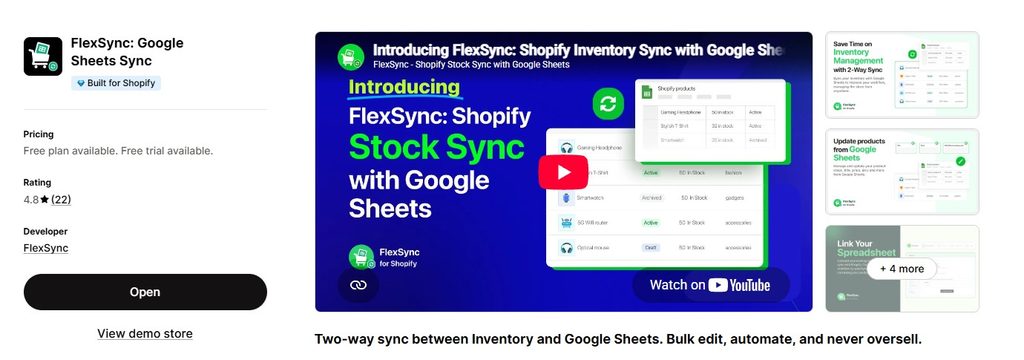
BFCM puts more pressure on inventory than any other time of year. Overselling a product during your biggest sale creates refunds, bad reviews, and customer service headaches. Running out of stock without knowing it means lost sales you cannot recover.
FlexSync connects your Shopify store to Google Sheets with a live two-way sync. Your inventory levels update in the sheet as orders come in. You can also bulk-edit prices, discounts, and product data across hundreds of SKUs in a spreadsheet and push those changes to Shopify with one click.
Why FlexSync matters for BFCM
Most store owners prepare their BFCM pricing manually, product by product in the Shopify admin. With a catalog of more than 50 items, that takes hours and creates errors. FlexSync lets you set up your entire BFCM price sheet in Google Sheets, review it, and push all changes at once. When the sale ends, you reset prices the same way.
During the sale, FlexSync gives you a live view of stock levels across all products and variants, updated as orders come in. If a product is selling faster than expected, you know before it becomes a problem.
Key features
- Two-way live sync between Shopify and Google Sheets
- Bulk edit prices, compare-at prices, inventory, and product details
- Order sync: export and monitor live orders in a connected sheet
- Multi-location inventory support
- Works with multiple Shopify stores from one sheet
FlexSync: built for BFCM price and inventory management
Bulk-update your BFCM prices in Google Sheets and push them live in seconds. Monitor stock levels in real time as orders pour in. Free plan available, rated 4.9/5 on the Shopify App Store (2026). Free plan available. Paid plans from $9/month.
Save time and drive more sales with FlexSync
Install FlexSync →Also see: how to bulk edit Shopify product prices and how to save hours on Shopify inventory management.
2. Notify Me!: Back-in-Stock Alerts
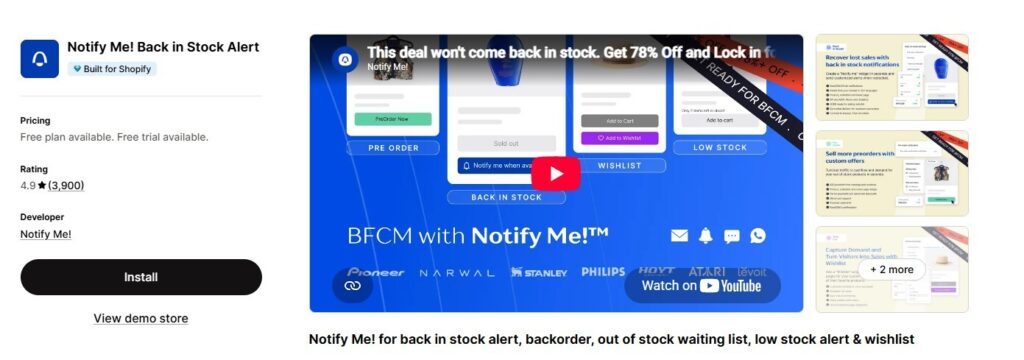
Products sell out during BFCM. That is expected. But every sold-out product is also a pool of potential buyers who wanted it but could not get it. Without a back-in-stock alert system, that demand disappears. With one, you can notify those customers the moment inventory is restored.
Notify Me! lets customers subscribe to restock alerts directly on the product page. When you add more inventory, subscribers get an automatic email or SMS notification. You can also use it to gauge demand for items you have not restocked yet.
Key features
- Subscribe button on out-of-stock product pages
- Automatic email and SMS alerts on restock
- Demand data: see how many customers are waiting for each product
- Customizable notification templates
- Works with product variants so alerts are variant-specific
Pricing
Free plan available. Paid plans add SMS notifications, advanced analytics, and integrations with email platforms like Klaviyo.
3. Bundler: Product Bundles and Volume Discounts
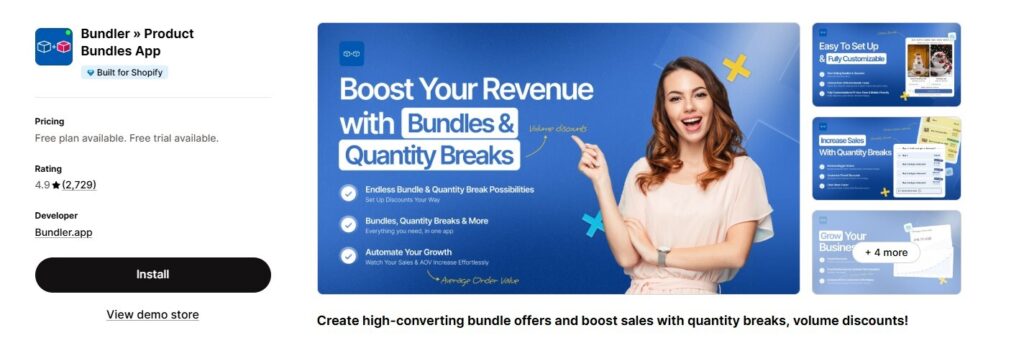
BFCM shoppers are deal-hunters. A percentage off your regular prices is expected. What drives higher average order values is the bundle offer, a combination of products at a price that feels like a better deal than buying each item separately.
Bundler lets you create product bundles, mix-and-match offers, volume discounts (for example, buy 3 get 20% off), and frequently bought together suggestions. All of these display on the product page before the customer adds to cart.
Key features
- Product bundle builder with custom pricing
- Volume discounts: buy more, save more tiers
- Mix-and-match bundles: let customers build their own set
- Frequently bought together suggestions
- Bundle-specific landing pages for BFCM campaigns
Pricing
Free plan available. Paid plans start at $6.99/month and add unlimited bundles, advanced analytics, and priority support.
4. Essential Countdown Timer: Urgency and Scarcity
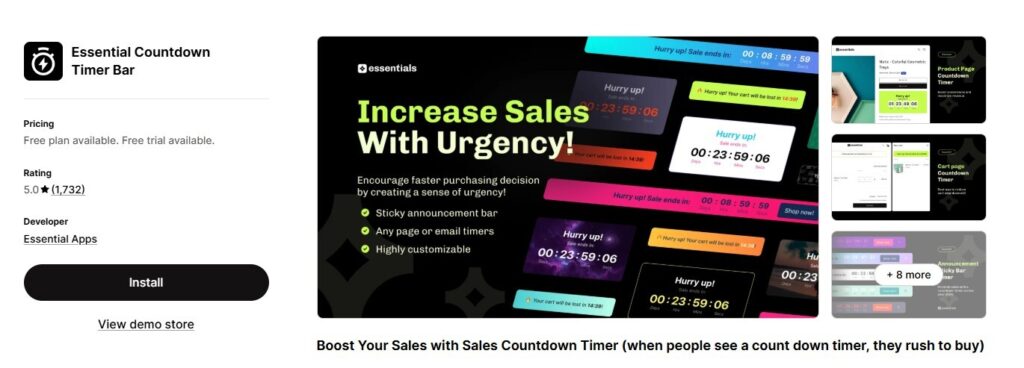
Limited-time offers work. Shoppers act faster when they can see time running out. A countdown timer on your BFCM sale page, product pages, or cart turns your discount into an event with an end date.
Essential Countdown Timer Bar lets you add announcement bar timers, in-page countdown widgets, and cart timers. You can set timers to a fixed end date, such as midnight on Cyber Monday, or to a rolling window for each visitor session.
Key features
- Announcement bar timer across the whole store
- Product page countdown widgets
- Cart countdown to increase checkout completion
- Fixed-date mode (perfect for BFCM end dates) and per-session mode
- Mobile-optimized display
Pricing
Free plan available. Paid plans start at $3.99/month and add multiple active timers, analytics, and more widget types.
5. Klaviyo: Email and SMS Marketing Automation
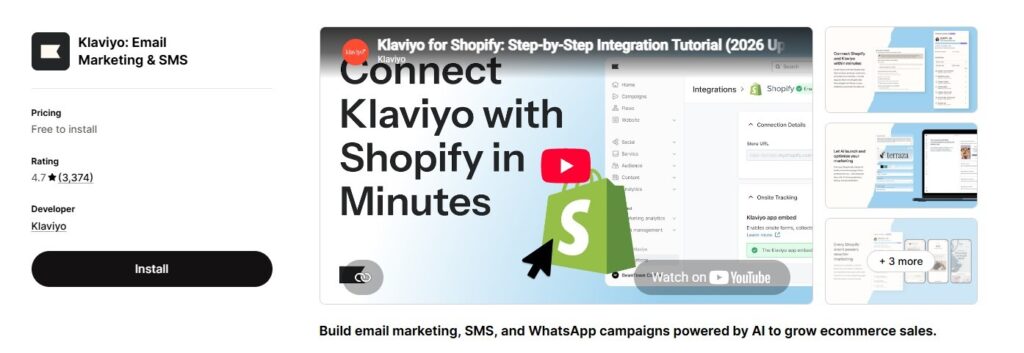
Email is still the highest-ROI channel for BFCM. The week before Black Friday, your subscribers expect to hear from you. The stores that win BFCM email are the ones that planned their flows months earlier, not days before.
Klaviyo is the most widely used email and SMS platform in the Shopify ecosystem. It connects directly to your Shopify data so you can segment by purchase history, browse behavior, and lifetime value. It includes pre-built BFCM email templates and a visual flow builder for abandoned cart, post-purchase, and re-engagement sequences.
Key features
- Pre-built BFCM email templates and seasonal flows
- Segmentation based on Shopify purchase history and browse behavior
- SMS marketing alongside email in the same platform
- Abandoned cart sequences with personalized product recommendations
- A/B testing for subject lines, send times, and offers
Pricing
Free plan available for up to 250 contacts and 500 emails per month. Paid plans scale with contact count, starting at approximately $20/month for 251 to 500 contacts.
6. TxtCart: SMS Cart Recovery
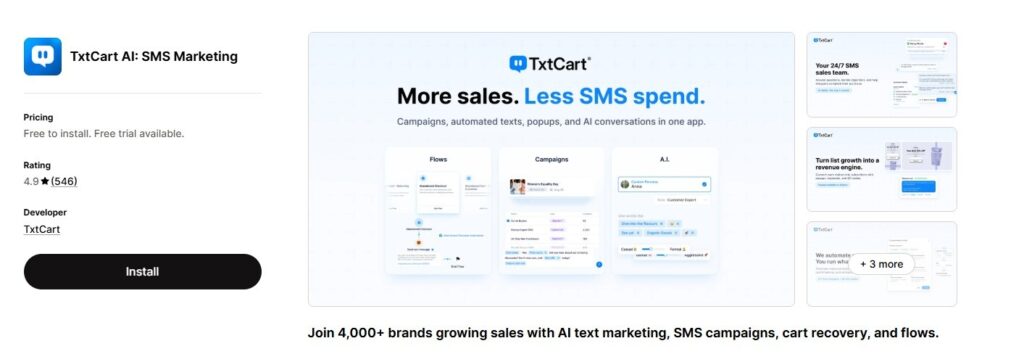
BFCM brings a surge of new visitors to your store. Many of them add to cart and leave. Email cart recovery helps, but SMS cart recovery gets there faster. Text messages have open rates that significantly outperform email, and they reach the customer within seconds of the message being sent.
TxtCart sends personalized SMS messages to customers who abandoned their checkout. It includes two-way conversational recovery so a real person can answer questions that were blocking the customer from completing the purchase. During BFCM, when shoppers are comparing deals across multiple stores, speed matters.
Key features
- Automated SMS cart abandonment sequences
- Two-way conversation recovery: human-assisted SMS replies
- BFCM-specific message templates
- Subscriber opt-in tools for SMS list growth
- ROI dashboard showing revenue recovered per campaign
Pricing
Free plan available. Paid plans scale with SMS volume and usage.
7. Judge.me: Product Reviews and Social Proof
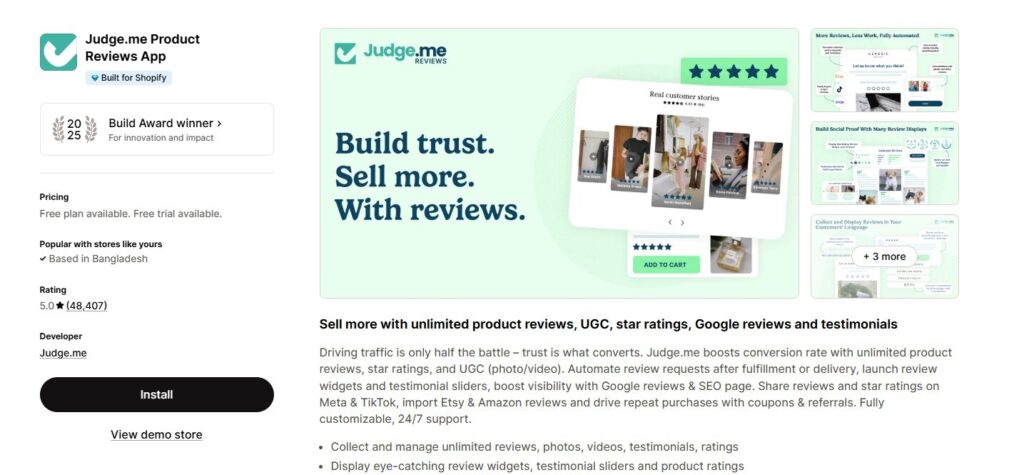
BFCM drives a large volume of first-time visitors to your store, often from paid ads or email campaigns. These visitors do not know your brand yet. Product reviews are the fastest way to build trust with a cold audience.
Judge.me is the highest-volume reviews app on the Shopify App Store, with a 5.0 rating from over 48,000 merchants (Shopify App Store, 2026). It automates review collection after each purchase and displays those reviews on product pages, collection pages, and a standalone reviews page.
Key features
- Automated post-purchase review request emails
- Photo and video reviews from customers
- Google Shopping integration: star ratings in search results and ads
- Review import from Amazon, AliExpress, and other platforms
- Review widgets for product pages, carousels, and badges
Pricing
Free plan available with unlimited review requests and the core display widget. Pro plan at $15/month adds photo and video reviews, Google Shopping, and coupon incentives.
8. Selleasy: In-Cart Upsells and Cross-Sells
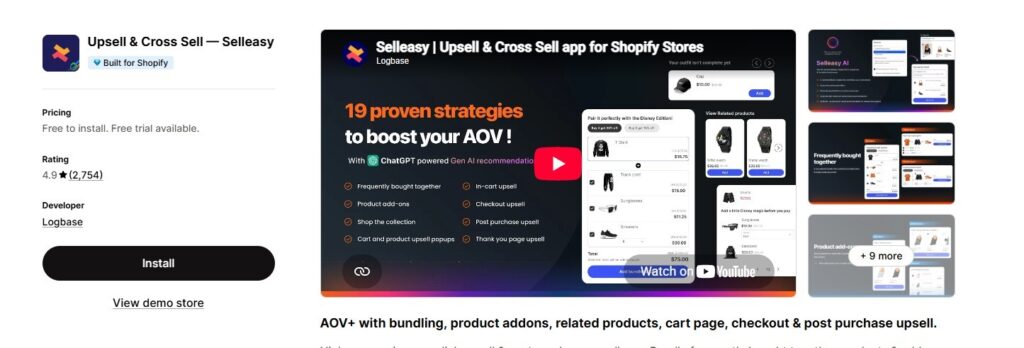
Every BFCM order is an opportunity to increase order value. Selleasy adds product recommendations and bundle suggestions at the point of highest buying intent: the product page and the cart.
It supports two types of offers. Upsells show a higher-value version of the item the customer is viewing. Cross-sells suggest complementary products. Both can be configured to trigger only for specific products or collections, so you can build BFCM-specific pairings.
Key features
- Product page upsell widgets
- Cart page cross-sell recommendations
- Frequently bought together suggestions
- Post-purchase upsell offers before the thank-you page
- Multilingual support for international BFCM campaigns
Pricing
Free plan available. Paid plans start at $8.99/month and add unlimited upsells, A/B testing, and advanced targeting.
9. AfterShip Order Tracking: Post-Purchase Experience
BFCM is not over when the order is placed. You will receive more orders in four days than most stores process in a month. Customers who bought gifts for others are especially anxious about delivery. Every “where is my order” question that comes in is a customer support ticket you could have prevented.
AfterShip gives each order a branded tracking page where customers can follow their shipment from dispatch to delivery. It sends proactive shipping notifications by email or SMS at each stage, reducing inbound support volume during your busiest period.
Key features
- Branded tracking page hosted on your domain
- Proactive shipment notifications at each delivery milestone
- Carrier detection for over 1,100 shipping carriers worldwide
- Returns integration with AfterShip Returns
- Analytics dashboard showing delivery performance by carrier
Pricing
Free plan available for up to 50 shipments per month. Paid plans start at $11/month and scale with shipment volume.
10. Tiny SEO: Store Speed and Image Optimization
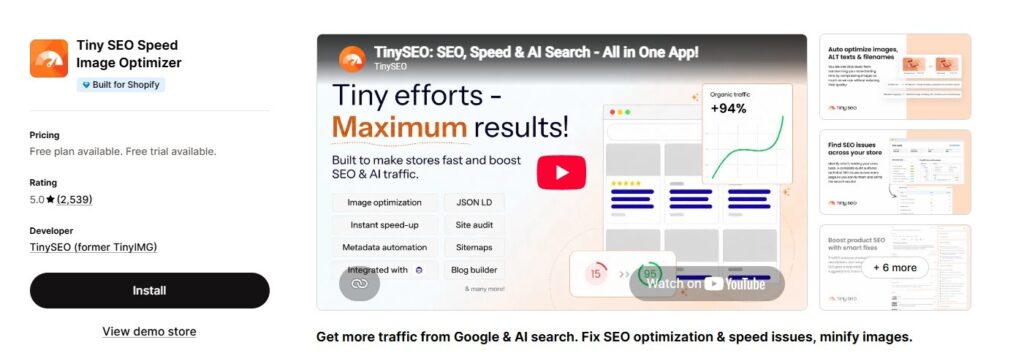
Store speed affects conversion rates. A one-second delay in page load time can measurably reduce the number of visitors who complete a purchase. During BFCM, when traffic spikes and customers have little patience for slow pages, speed becomes more important than at any other time of year.
Tiny SEO compresses and optimizes your product images without visible quality loss, fixes broken links, adds missing alt text, and flags other technical SEO issues. Image size is the most common cause of slow Shopify stores, and Tiny SEO handles it automatically.
Key features
- Automatic image compression and WebP conversion
- Bulk image optimization across your entire product catalog
- Alt text generator for product images
- Broken link detection and redirect tools
- Store speed score monitoring
Pricing
Free plan available. Paid plans start at $9.99/month and add unlimited image optimization, advanced SEO reports, and scheduled scans.
All 10 Apps at a Glance
| App | Category | Free Plan | Rating | Best BFCM Use |
| FlexSync | Inventory sync | Yes | 4.9/5 | Bulk price edits, stock accuracy during peak traffic |
| Notify Me! | Back-in-stock | Yes | 4.9/5 | Capture demand for sold-out BFCM items |
| Bundler | Bundles & discounts | Yes | 4.9/5 | Volume deals and bundle offers for BFCM |
| Essential Countdown Timer | Urgency | Yes | 4.8/5 | Countdown banners and deal expiry timers |
| Klaviyo | Email & SMS | Yes | 4.6/5 | BFCM email flows and abandoned cart sequences |
| TxtCart | SMS cart recovery | Yes | 4.9/5 | Recover abandoned carts via SMS during BFCM |
| Judge.me | Product reviews | Yes | 5.0/5 | Social proof for new visitors arriving from ads |
| Selleasy | Upsell | Yes | 4.9/5 | In-cart upsells and post-purchase cross-sells |
| AfterShip Tracking | Order tracking | Yes | 4.7/5 | Branded tracking pages for BFCM order volume |
| Tiny SEO | Speed & SEO | Yes | 4.8/5 | Image compression and speed before BFCM traffic spike |
How to Build Your BFCM App Stack
You do not need all 10 apps. Start with the ones that address your biggest current gaps. Here is how to prioritize by store size and situation.
If this is your first BFCM
Focus on the fundamentals: inventory accuracy (FlexSync), urgency (Essential Countdown Timer), email marketing (Klaviyo), and reviews (Judge.me). These four cover the most impactful parts of the customer journey without overwhelming your setup time.
If you ran BFCM last year and want to improve
Layer in cart recovery (TxtCart), upsells (Selleasy), and bundle offers (Bundler). These apps build on existing traffic and convert more of it. They assume you already have a working email list and some social proof.
If you are managing high order volume
Add AfterShip to reduce post-purchase support, Notify Me! to capture sold-out demand, and Tiny SEO to keep your store fast under load. These become more important as your order count grows.
For a full breakdown of Shopify apps by category, see the best Shopify apps guide.
BFCM 2026 Prep Timeline
Black Friday is November 27, 2026. Cyber Monday is November 30. Use this timeline to stay on track.
| Timing | What to Do |
| 6 weeks out (mid-Oct) | Install all apps. Connect FlexSync to Google Sheets. Run a test export. Check store speed with Tiny SEO. Set up Klaviyo account and import subscriber list. |
| 4 weeks out (late Oct) | Build BFCM email flows in Klaviyo. Configure bundle deals in Bundler. Set up back-in-stock alerts with Notify Me!. Review inventory levels and bulk-edit prices via FlexSync. |
| 2 weeks out (early Nov) | Activate countdown timers. Test cart upsells in Selleasy. Set up TxtCart SMS cart recovery sequence. Configure Judge.me review request timing around expected post-purchase window. |
| 1 week out (Nov 20) | Run a full end-to-end test order. Check mobile experience. Compress remaining images with Tiny SEO. Brief your team on AfterShip tracking page and support process. |
| BFCM week (Nov 27-30) | Monitor inventory in FlexSync. Push price changes via Google Sheets if needed. Watch SMS cart recovery stats in TxtCart. Do not install new apps during live sale. |
Do not install new apps the week before or during BFCM. New installs can conflict with your theme or slow your store. Every app on this list should be installed and tested at least two weeks before your sale starts.
If you are planning BFCM inventory updates across a large catalog, see how Shopify inventory sync with Google Sheets works and why it is faster than editing products one by one in the Shopify admin.
Frequently Asked Questions
When should I install apps before Black Friday?
Aim for at least 4 to 6 weeks before BFCM. Apps need time to index data, collect reviews, build subscriber lists, and be tested across different devices. Installing anything new within 7 days of your sale is a risk.
Will installing multiple apps slow down my Shopify store?
Some apps add scripts that affect page load speed. Run your store through Google PageSpeed Insights after each install and remove any app that causes a measurable drop. Speed optimization (Tiny SEO) should be one of the first apps you install, not the last.
Do I need a paid plan to use these apps during BFCM?
Most of these apps have free plans that cover basic functionality. For a high-traffic BFCM period, you may hit limits on free tiers, such as email sends in Klaviyo or shipment counts in AfterShip. Check the plan limits against your expected order volume before the sale starts and upgrade if needed.
Can I use FlexSync to push BFCM prices live at a specific time?
Yes. You can set up your entire BFCM price sheet in Google Sheets in advance, review every product’s sale price and compare-at price, then push all changes to Shopify in one click when you are ready to go live. The same process works in reverse when the sale ends. See the bulk price editing guide for step-by-step instructions.
What is the difference between Klaviyo and TxtCart for cart recovery?
Klaviyo handles email-based abandoned cart recovery as part of a broader marketing automation platform. TxtCart focuses specifically on SMS cart recovery with a conversational model. For BFCM, running both in parallel gives you the best coverage: email for subscribers who prefer it and SMS for those who respond faster to texts.
How many Shopify apps should I install for BFCM?
There is no fixed number. Start with the apps that solve your most pressing problem and add more only if you have time to test them properly. Four to six well-configured apps will outperform ten apps installed hastily. Quality of setup matters more than quantity.
Final Thoughts
BFCM 2026 starts in six weeks. The stores that do well are not the ones with the biggest budgets. They are the ones that prepared early, fixed their biggest gaps, and kept their operations clean under pressure.
Start with inventory. If your stock levels are wrong when orders spike, everything else falls apart. FlexSync gives you a live view of inventory in Google Sheets and lets you push price changes across your entire catalog in minutes.
Then add the apps that cover your next biggest gap: email reach, social proof, urgency, cart recovery. Each one compounds the work of the others.
Install FlexSync from the Shopify App Store to get your inventory and BFCM pricing sorted first. For more on building your Shopify stack beyond BFCM season, see the guide to the best Shopify inventory management apps.
