Managing stock across products, variants, and locations is one of the biggest challenges for Shopify store owners. The right Shopify inventory management app helps you track stock in real time, prevent overselling, and automate updates, without spending hours on manual spreadsheets.
This guide covers 10 of the best options available in 2026, including free plans and tools built for stores at every stage of growth.
Table of Contents
Why Shopify Merchants Need an Inventory Management App
Shopify’s built-in inventory tools work fine for small stores. But as your catalog grows, they start to show limits.
According to a study by Avancim, 95% of small businesses lose revenue due to inventory management problems, with the average loss reaching $47,000 per year. And 73% of ecommerce businesses experience stockouts during peak demand periods (Firework, 2024).
Third-party apps solve this by adding automation, bulk editing, multi-location tracking, and deeper analytics, all without touching a line of code.
What Is a Shopify Inventory Management App?
A Shopify inventory management app is a third-party tool that connects to your store and helps you control stock levels, update product data, sync across sales channels, and avoid overselling or underselling.
These apps range from simple Google Sheets integrations to full ERP systems. The right choice depends on your store size, the number of SKUs you manage, and how many sales channels you sell across.
10 Best Shopify Inventory Management Apps in 2026
Here are the top picks based on features, pricing, ease of use, and real user ratings.
1. FlexSync: Best Overall Shopify Inventory Management App
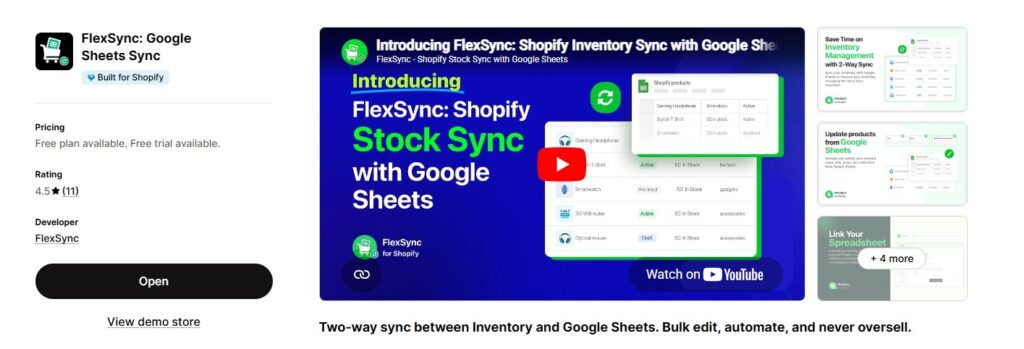
Rating: 4.5/5 (Shopify App Store)
Free Plan: Yes, up to 500 SKUs
Paid Plans: From $9/month
FlexSync is a two-way inventory sync tool that connects Shopify directly to Google Sheets. It is the simplest way to manage your store’s inventory, product data, and pricing in a spreadsheet environment, without CSV exports or manual copy-pasting.
Key Features:
- Two-way real-time sync between Shopify and Google Sheets
- Bulk edit prices, titles, descriptions, SKUs, and barcodes
- Google Sheets formula automation for restocking rules and pricing logic
- Multi-location inventory management
- Metafields sync directly from a spreadsheet
- Filter exports by product type, tags, or category
- No coding required
- Built for Shopify certified (meets Shopify’s highest standards)
Pricing:
- Free: Up to 500 SKUs, 20 formula cells
- Starter: $9/month, up to 1,000 SKUs
- Growth: $29/month, up to 5,000 SKUs
- Ultimate: $49/month, up to 25,000 SKUs
All paid plans include a 14-day free trial.
FlexSync is ideal for small to mid-sized Shopify stores that already use Google Sheets to run their operations. If you want to bulk edit Shopify product prices without switching tools, FlexSync handles that in a few clicks. You can also export Shopify data into Google Sheets with one click and manage your full catalog from one tab.
It is one of the few apps with a genuinely useful free plan, making it one of the best Shopify inventory management apps free options for stores just getting started.
2. syncX
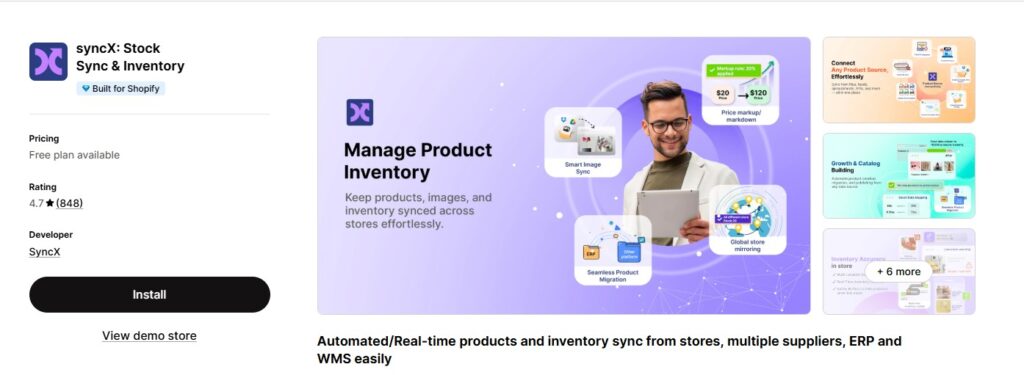
Rating: 4.7/5
Free Plan: Limited free tier available
Paid Plans: From $7/month
Stock Sync is a widely used tool for syncing inventory from suppliers, warehouses, or multiple data sources into Shopify. It supports over 25 feed formats including CSV, XML, JSON, and Google Sheets.
Key Features:
- Sync inventory from multiple supplier feeds
- Scheduled automatic updates
- Price and quantity update rules
- Multi-location inventory support
Best for: Stores that source products from multiple suppliers and need stock levels updated automatically.
3. Prediko
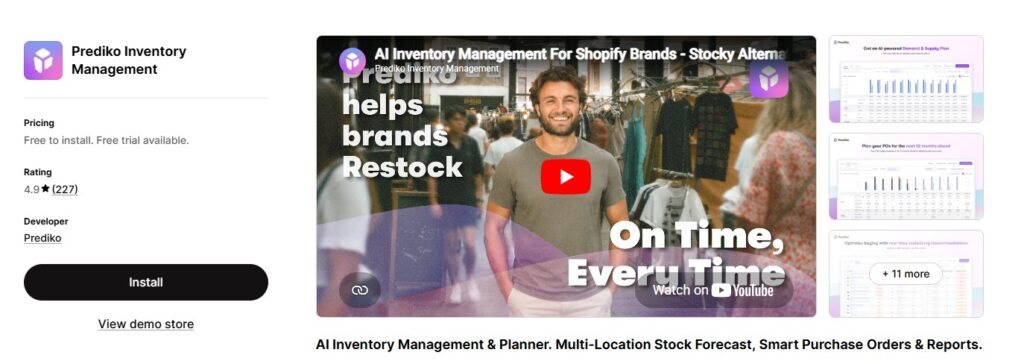
Rating: 4.9/5
Free Plan: No
Paid Plans: From $49/month
Prediko is an AI-powered demand forecasting and purchase order management app. It helps Shopify brands avoid both stockouts and overstock by analyzing historical sales data and predicting future demand.
Key Features:
- AI demand forecasting
- Automated purchase order creation
- Inventory health alerts
- Sales velocity tracking
Best for: Growing DTC brands with a large catalog who need to plan ahead for seasonal spikes.
4. Katana Cloud Inventory
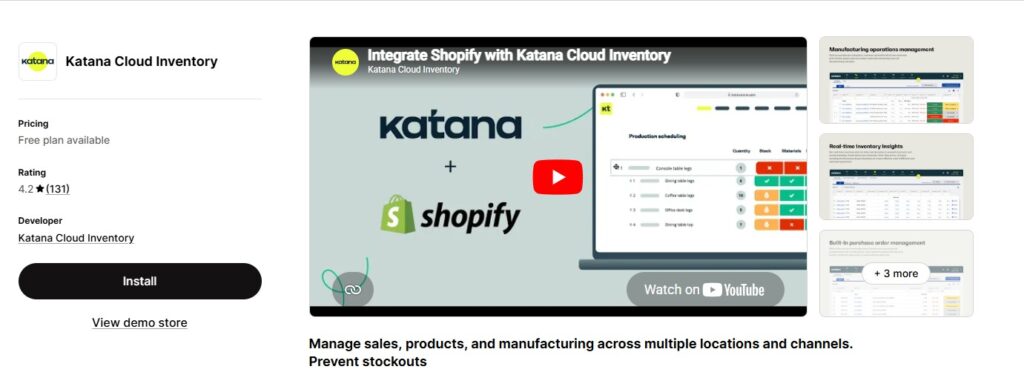
Rating: 4.2/5
Free Plan: No (14-day free trial)
Paid Plans: From $299/month
Katana is built for Shopify stores that manufacture or assemble their own products. It combines inventory management with production planning in one platform.
Key Features:
- Bill of materials management
- Real-time production floor tracking
- Multi-warehouse support
- Integration with Shopify and accounting tools
Best for: Manufacturers and makers who need to manage raw materials alongside finished goods.
5. Inventory Planner by Sage
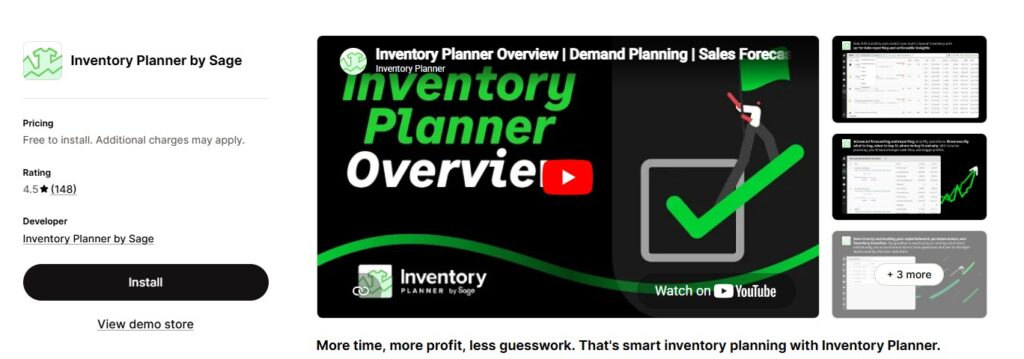
Rating: 4.5/5
Free Plan: No
Paid Plans: Custom pricing
Inventory Planner focuses on replenishment forecasting. It analyzes your sales data to recommend what to order, how much, and when, cutting down the guesswork in reordering.
Key Features:
- Replenishment recommendations
- Purchase order management
- Supplier lead time tracking
- Multi-channel inventory visibility
Best for: Established Shopify stores spending too much time calculating reorder points manually.
6. SKULabs
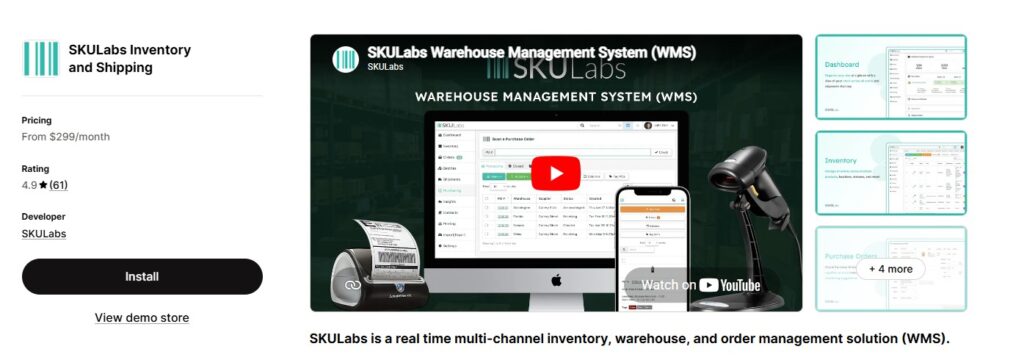
Rating: 4.9/5
Free Plan: No
Paid Plans: From $299/month
SKULabs is a warehouse management system built for high-volume Shopify sellers. It combines inventory tracking, order picking, shipping, and barcode scanning in one platform.
Key Features:
- Barcode scanning for pick and pack workflows
- Multi-warehouse management
- Real-time shipping rate comparison
- Purchase order management
Best for: Large-scale operations with a physical warehouse and high daily order volumes.
7. Cin7 Core
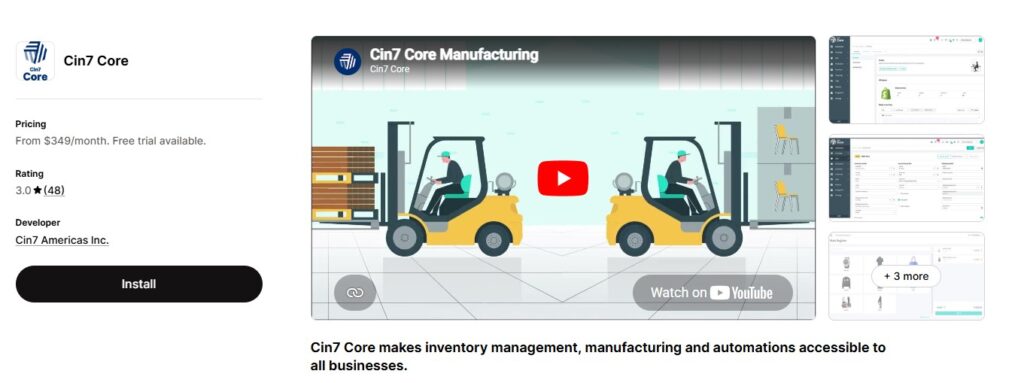
Rating: 3.0/5
Free Plan: No
Paid Plans: From $349/month
Cin7 is a full inventory and order management platform used by mid-market to enterprise Shopify brands. It handles inventory across multiple channels, warehouses, and sales touchpoints.
Key Features:
- Multi-channel inventory sync
- Built-in 3PL and EDI support
- B2B and wholesale management
- Advanced reporting and analytics
Best for: Scaling brands that sell across retail, wholesale, and ecommerce at the same time.
8. Stocky by Shopify
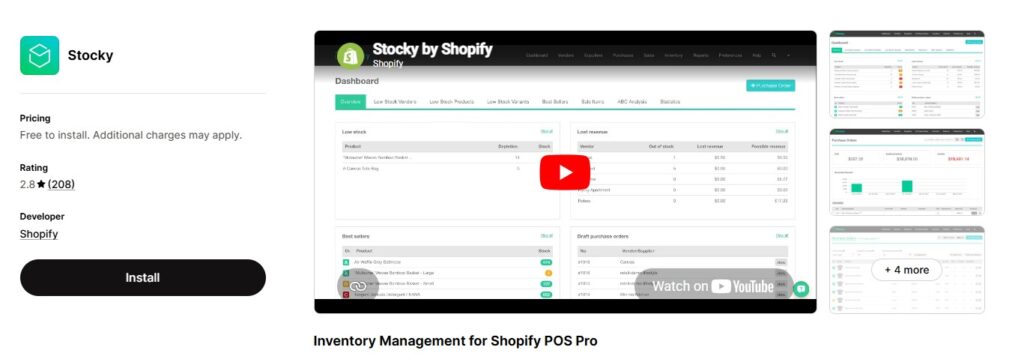
Rating: 2.8/5
Free Plan: Yes (free for all Shopify users)
Paid Plans: Free
Stocky is Shopify’s own inventory management app. It is basic but free, and works well for new stores that need purchase order creation and simple reorder suggestions.
Key Features:
- Purchase order creation
- Reorder point recommendations
- Supplier management
- Basic demand forecasting
Best for: New Shopify stores that want inventory basics at no extra cost.
9. EasyScan: SKU and Barcode
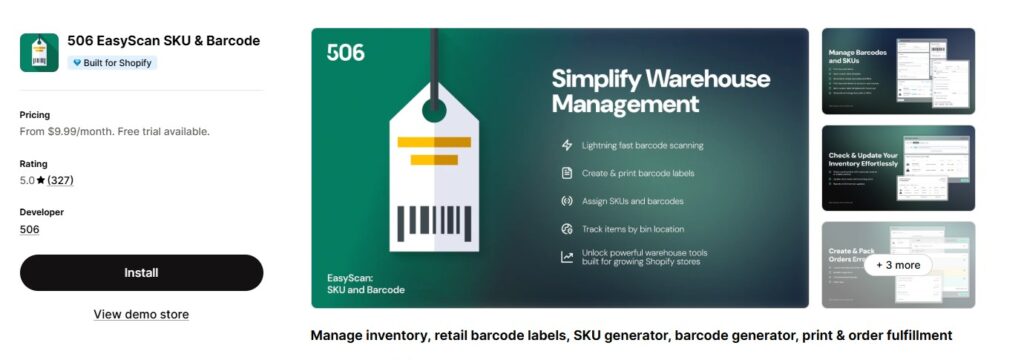
Rating: 5/5
Free Plan: Limited free plan available
Paid Plans: From $9.99/month
EasyScan lets you manage inventory using a barcode or QR code scanner directly inside Shopify. It is a strong choice for retail-style operations that receive and ship goods physically.
Key Features:
- Barcode and QR code scanning
- Stock count adjustments by scan
- Product label printing
- Mobile app support
Best for: Shopify stores with physical inventory that needs to be tracked and counted by scan.
10. Linnworks
Rating: 3.5/5
Free Plan: No
Paid Plans: Custom pricing
Linnworks is a multichannel inventory and order management platform for brands selling across Shopify, Amazon, eBay, and other channels at the same time. It centralizes inventory and order routing in one place.
Key Features:
- Centralized inventory across all channels
- Automated order routing
- Shipping automation
- Demand forecasting and analytics
Best for: Shopify stores that also sell heavily on Amazon or other marketplaces and need one system for everything.
👉 Learn more about the Essential Apps for Manging a Shopify Store →
Quick Comparison Table
| App | Free Plan | Starting Price | Best For |
| FlexSync | Yes (500 SKUs) | $9/month | Google Sheets sync, bulk editing |
| Stock Sync | Limited | $7/month | Supplier feed syncing |
| Prediko | No | $49/month | AI forecasting, DTC brands |
| Katana | No | $299/month | Manufacturers |
| Inventory Planner | No | Custom | Replenishment planning |
| SKULabs | No | $299/month | Warehouse operations |
| Cin7 | No | $349/month | Multi-channel, enterprise |
| Stocky | Yes | Free | Basic needs, new stores |
| EasyScan | Limited | $9.99/month | Barcode scanning |
| Linnworks | No | Custom | Marketplace sellers |
How to Choose the Right Shopify Inventory Management App
The best app depends on your store size and how you operate. Here are the key questions to ask before choosing:
- How many SKUs do you manage?
Stores under 500 SKUs can start with a free plan like FlexSync or Stocky. Stores with tens of thousands of SKUs need a paid tool with higher limits. - Do you sell across multiple channels?
If you sell on Shopify and Amazon or another marketplace, choose a tool with multi-channel sync like Linnworks or Cin7. - Do you use spreadsheets to manage products?
FlexSync is built for this. It lets you manage your entire Shopify catalog from Google Sheets, including inventory counts, prices, and metafields. You can also manage your Shopify inventory policy directly from the sheet. - Do you manufacture your own products?
Katana is the strongest option here, as it handles raw materials alongside finished goods. - Are you just starting out?
Start with Stocky for the basics, or FlexSync if you want a more capable free plan with room to grow as your catalog expands.
Frequently Asked Questions
What is the best free Shopify inventory management app?
FlexSync offers one of the most capable free plans, supporting up to 500 SKUs with real-time Google Sheets sync, bulk editing, and formula automation. Stocky by Shopify is another free option for basic purchase order and reorder management.
Can I manage Shopify inventory from Google Sheets?
Yes. FlexSync connects Shopify to Google Sheets with two-way sync. You can edit stock levels, prices, descriptions, and metafields directly in the spreadsheet and push changes back to Shopify automatically. Check out how to export Shopify data into Google Sheets to get started.
Does Shopify have a built-in inventory management tool?
Shopify includes basic inventory tracking, and its free Stocky app covers purchase orders and reorder points. For bulk editing, multi-source syncing, or demand forecasting, a third-party app is needed.
What Shopify inventory app is best for bulk editing products?
FlexSync is the strongest option. It lets you update hundreds of products at once from Google Sheets, including prices, SKUs, descriptions, barcodes, and inventory counts. You can also bulk edit product descriptions in Shopify directly from your sheet.
How do I prevent stockouts on Shopify?
Use an app with real-time inventory tracking and low-stock alerts. Prediko and Inventory Planner offer demand forecasting to help you reorder before you run out. FlexSync lets you set formula-based automation rules in Google Sheets to trigger restocking workflows automatically.
Is FlexSync safe to use with my Shopify store?
Yes. FlexSync is GDPR-compliant, Stripe-secured for payments, and carries the Built for Shopify certification, meaning it meets Shopify’s highest standards for performance, security, and integration quality.
Conclusion
Choosing the right Shopify inventory management app comes down to your store size, your workflow, and how much you want to automate. For most small to mid-sized Shopify stores, FlexSync is the best starting point. It has a free plan, works inside Google Sheets, and handles bulk editing, multi-location inventory, metafields, and formula automation as your store scales.
For a deeper look at how to set up and run inventory properly, read the complete guide to Shopify inventory management.
Start free with FlexSync and upgrade only when your SKU count or sync needs grow.
